

For most home offices, the Brother MFC-L2820DW is the safer all-in-one: it prints, copies, scans, and faxes in black and white from one toner cartridge rated per page. Choose color only if color documents are a regular job.



Quick Comparison
| Model | Type | Black speed | Auto duplex | Document feeder | Ethernet | Best for |
|---|---|---|---|---|---|---|
| Brother MFC-L2820DW | Mono laser, fax | 34 ppm* | Yes | 50 sheets | Yes | Black documents, scanning stacks, fax |
| HP OfficeJet Pro 8135 | Color inkjet, fax | 20 ppm (listing) | Yes (listing) | One-sided ADF, size not given | Yes (listing) | Light color with a scanner |
| Epson EcoTank ET-4850 | Color ink tank, fax | 15.5 ppm (listing) | Yes (listing) | Named in listing, size not given | Yes (listing) | Low-maintenance ink supply |
| Brother MFC-L3720CDW | Color laser, fax | 19 ppm* | Yes | 50 sheets | Not stated | Occasional color from a laser |
| HP Color LaserJet Pro MFP 3301sdw | Color laser | 26 ppm (listing) | Yes (listing) | Named in listing, size not given | Port in one listing field only | Small team, faster color |
Source: Brother product pages for the two Brother models, and the retail listings for the others, checked November 2026. "Not stated" means the source gives no figure. *Brother’s footnote says single-sided speed needs a change from the default setting.
How We Chose
The job: print, copy, and scan in one box at a few hundred pages a month. We research and compare; we do not run our own product trials. The two Brother models are read from Brother’s product pages. The HP and Epson models rest on retail listings only. The Desk & Bench Score on each card reflects verified buyer ratings only. See How We Choose.
Our Picks
Brother MFC-L2820DW
Brother’s page gives 34 ppm single-sided, a 50-sheet feeder, a 250-sheet tray, Ethernet, a 33.6K fax modem, and automatic duplex on Letter and Legal. Starter toner is rated 700 pages and the DR830 drum 15,000 pages. Brother recommends up to 2,500 pages a month.
Best for: a home office that prints black documents and scans or faxes multi-page forms.
Avoid if: you want color; this is black only. Mac users should read the footnote on the page, which says macOS printing uses AirPrint.
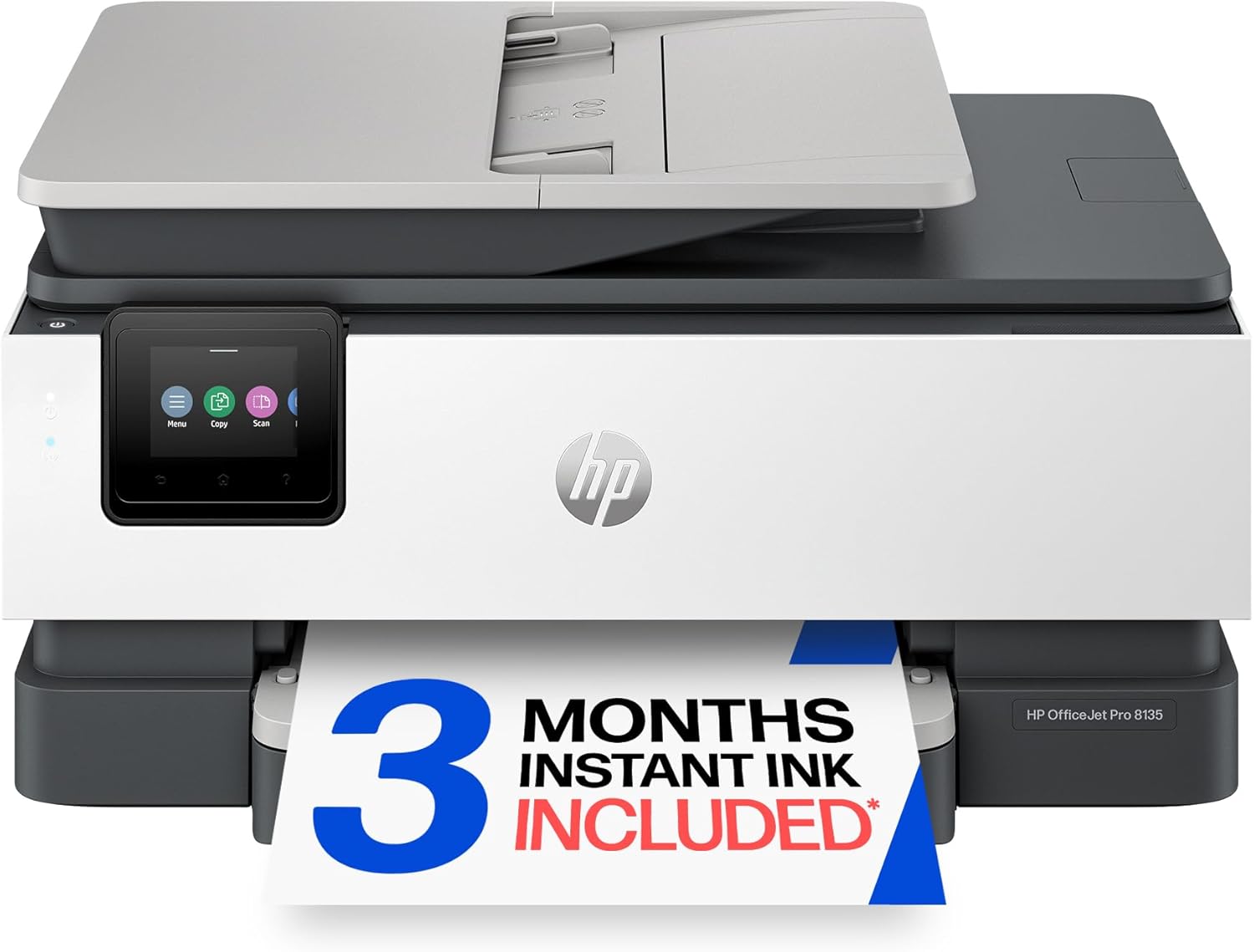
HP OfficeJet Pro 8135
The listing gives 20 ppm black, 10 ppm color, automatic duplex, a 225-sheet tray, Ethernet, and fax. It uses HP 923 ink cartridges, and the listing says it works only with cartridges carrying original HP chips. A three-month Instant Ink trial is included, after which the listing says a monthly fee applies unless cancelled.
Best for: a desk that needs color pages and a feeder-equipped scanner, with an ink supply you are willing to buy from HP.
Avoid if: you want to use third-party ink, or you want a fixed supply cost without a subscription.
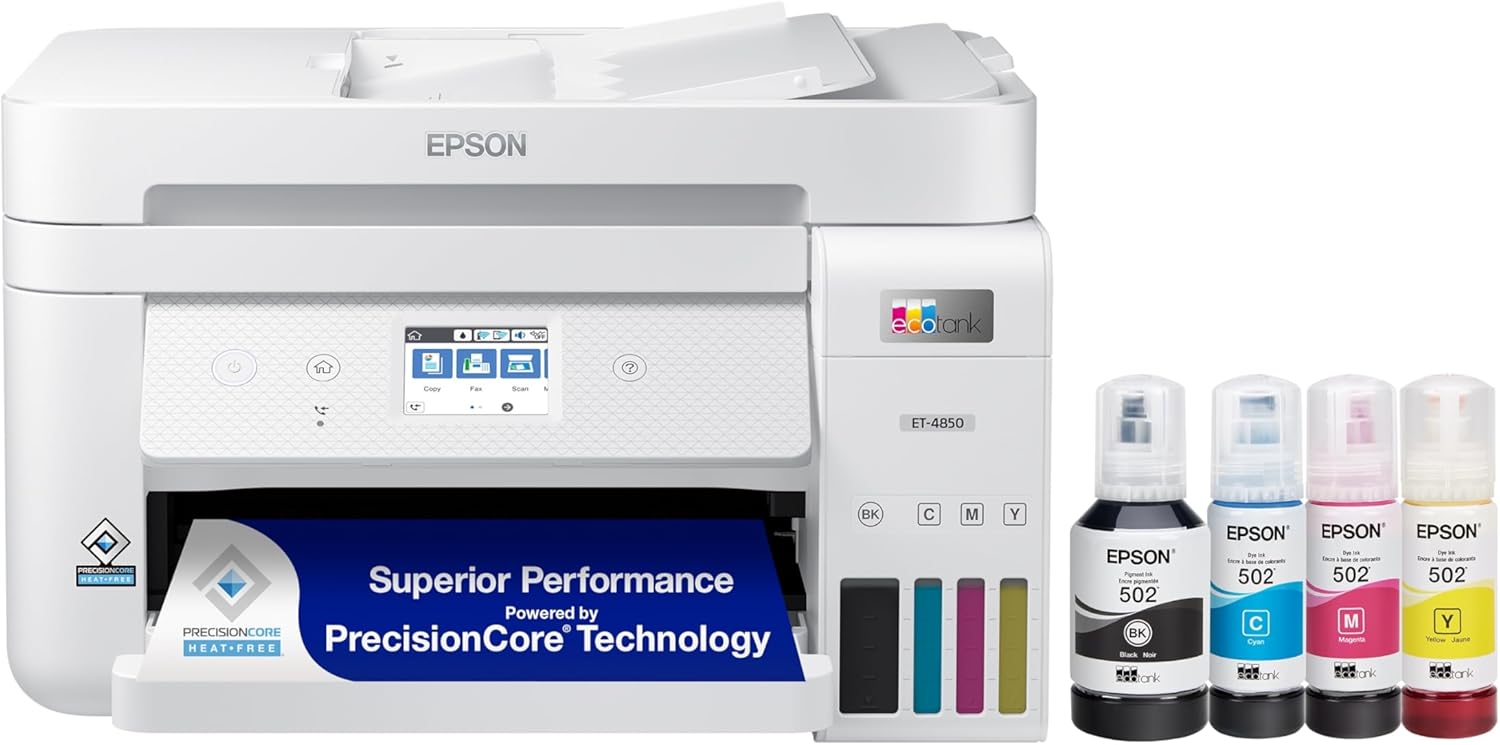
Epson EcoTank ET-4850
The listing gives 15.5 ppm black, 8.5 ppm color, automatic duplex, a 250-sheet tray, Ethernet, and refillable ink tanks. It names an auto document feeder but gives no capacity, and the scanner type reads flatbed. Epson’s page labels it Discontinued and names the ET-4950 as replacement; confirm availability.
Best for: a color machine where you would rather refill bottles than replace cartridges.
Avoid if: you need a rated feeder size; the listing does not give one.
Brother MFC-L3720CDW
Brother’s page gives 19 ppm for both black and color, a 50-sheet feeder, a 250-sheet tray, automatic duplex, and 1,000-page starter toners rated under ISO/IEC 19798. Ethernet is not stated; the page names USB 2.0 and dual-band wireless. The drum is rated 20,000 pages and the belt and waste box 50,000 pages each.
Best for: occasional color pages from a laser that also scans.
Avoid if: you print mostly black pages in volume, where 19 ppm feels slow, or you need a wired network port.
HP Color LaserJet Pro MFP 3301sdw
The listing gives automatic duplex, a 250-sheet input tray, and toner cartridges 218A (standard) and 218X (high yield). Its speed fields disagree: the features line says up to 26 ppm black and color, while a spec field reads 30 ppm color. It is a color laser with copy and scan, and the listing says it blocks non-HP chips. One field gives an Ethernet port; the connectivity field does not.
Best for: a small team that wants a color laser with HP supplies.
Avoid if: you need a settled speed rating, or a fax line; the listing does not mention fax.
Running Costs
Cost per black page = list price of the black cartridge / rated black page yield. Brother rates the TN830XL at 3,000 pages and the TN830 at 1,200 under ISO/IEC 19752. Brother’s store pages show prices with no “list price” label; at those store prices, checked November 2026, that is about 3.3 and 5.1 cents per black page for the MFC-L2820DW, before drum wear. The cents are our calculation.
We do not calculate cost per page for the others. Brother’s MFC-L3720CDW page gives no replacement toner yields, and Epson rates ink bottles by its own method, which should not be compared directly with ISO/IEC laser ratings. See page yield and the cost per page calculator.
Compatibility
Brother’s page for the MFC-L3720CDW lists Windows, macOS, and Linux drivers. For the MFC-L2820DW, the page lists macOS drivers in its table but its footnote says Mac printer drivers are not provided, so check Brother’s driver page for your version. For the others, check the maker’s page.
FAQ
Is an all-in-one laser cheaper to run than an inkjet?
Only the Brother figures above are rated per page here. See inkjet vs laser for how the two compare, and best ink tank printers for bottle-fed models.
Do I need a document feeder?
Choose one if you scan multi-page forms. Brother’s two models give 50 sheets; the listings for the others give no size. Duplex is covered in best duplex printers for home office.
Where are the other printer guides?
See best home office printers, best laser printers, and the printers category.
Changelog: November 2026: first published.









