

Scan with your phone when you have a few pages and no plans for more; buy a document scanner when you clear stacks of pages or paper keeps arriving. The two scanners below are the ones we compared against Apple’s and Google’s phone scanning pages.

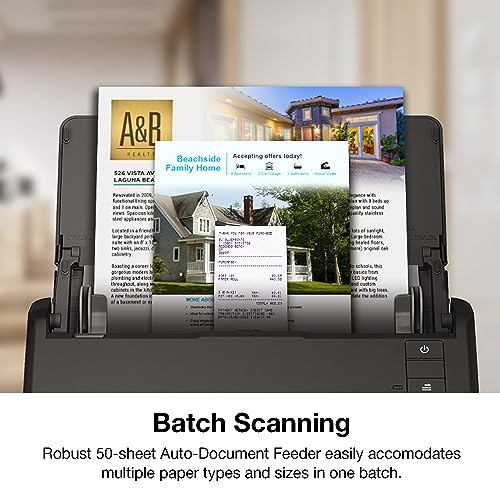
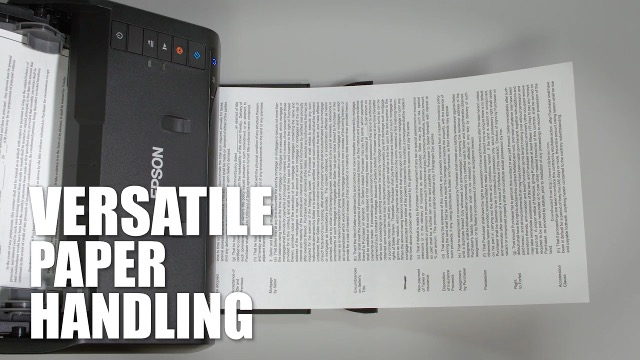
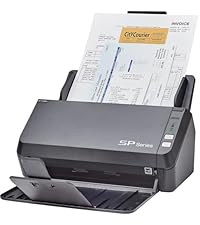
Epson Workforce ES-400 II High-Speed Color Duplex


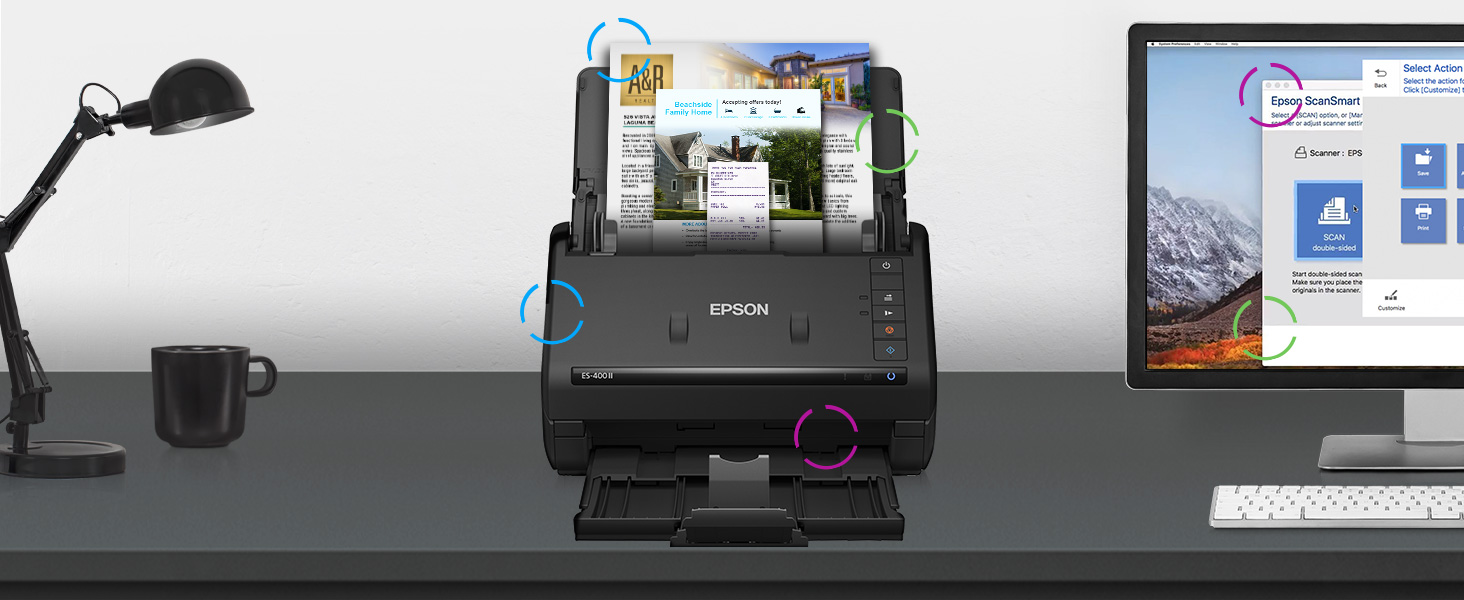




As an Amazon Associate we earn from qualifying purchases. Product prices and availability are accurate as of the date/time indicated.

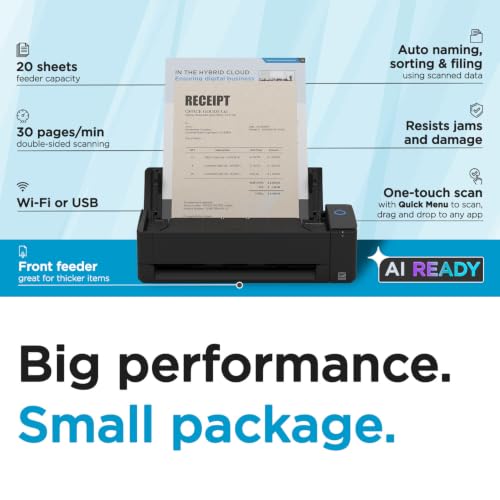
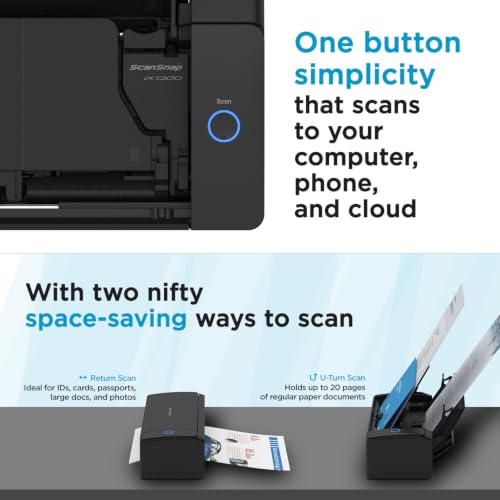
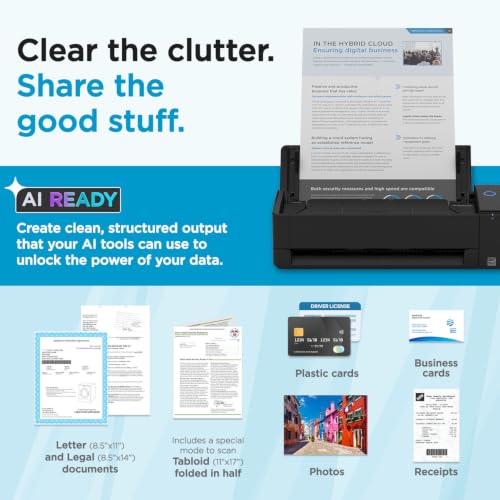
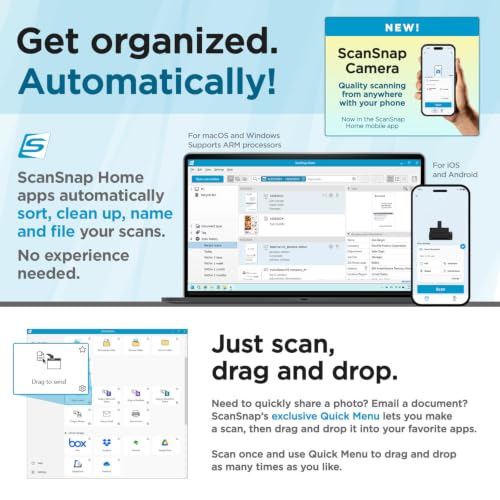
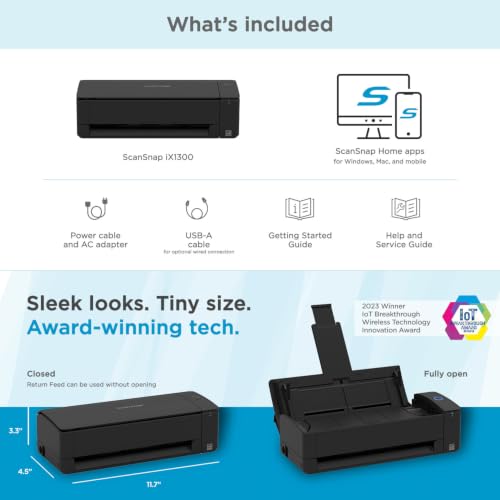
ScanSnap iX1300 Wireless or USB Double-Sided Color




As an Amazon Associate we earn from qualifying purchases. Product prices and availability are accurate as of the date/time indicated.
| Item | Phone (Apple Notes and Files, Google Drive) | Epson ES-400 II | ScanSnap iX1300 |
|---|---|---|---|
| Pages per load | One capture per page | 50-sheet feeder | 20-sheet feeder |
| Rated speed | Not stated by Apple or Google | Up to 35 ppm / 70 ipm (Letter, 300 dpi) | Up to 30 ppm / 60 ipm (A4, color, duplex, 300 dpi) |
| Resolution setting | None described on either page | Optical resolution not on the page | 600 dpi optical for color and gray, 1200 dpi for monochrome |
| Software and systems | iPhone or iPad; Android steps for Drive | ScanSmart on a Windows PC or Mac, TWAIN driver; versions not stated | ScanSnap Home; Windows 11 and 10, macOS Monterey 12 or later |
Source: Apple Support, Google Drive Help, Epson US and PFU (Ricoh) product pages, checked November 2026. We research and compare; we do not run our own product trials.
Time per stack
Neither phone page states a capture time, so we assume 15 seconds per page, our own assumption. For 100 pages, 100 x 15 / 60 = 25 minutes by phone. At the rated speeds, 100 / 35 = about 2.9 minutes on the ES-400 II and 100 / 30 = about 3.3 minutes on the iX1300. Rated speeds use maker conditions, so loading adds time: 100 pages is 2 loads of 50 on the Epson and 5 loads of 20 on the PFU.
Two-sided pages
Epson rates 70 ipm, images per minute, and a two-sided sheet makes two images, so 50 two-sided sheets = 100 images / 70 = about 1.4 minutes. On a phone, each side is its own capture. Apple’s page describes adding more scans to the document before you tap Done.
Settings and file control
Apple’s page covers auto or manual capture, dragging corners, and, in iOS 26, flash or an image filter. It says nothing about file type or resolution. Google’s page offers Crop and Rotate and a choice of .pdf or .jpg, and its intro says scans save as searchable PDFs in Drive; it also lists no resolution. Epson’s Scan 2 guidance, which names no scanner models, suggests 200 to 300 dpi for scans you will print, fax, or run through OCR; see scan DPI for documents. PFU lists 600 dpi optical on the iX1300 page.
What you need to buy and run
A phone scan needs the phone you own. The scanners need a computer or, for the iX1300, Wi-Fi or USB per PFU’s page, plus their own software. The ES-400 II page lists no operating system versions and shows an AC adapter in the box; check Epson’s support page before you buy. For a small scanner you can carry, see best portable scanners.
Choose a phone if
- You scan a few pages once, such as one lease or one form.
- You own an iPhone or an Android phone with Drive; steps are in how to scan on an iPhone and on Android.
- You do not need to set a resolution.
Choose a scanner if
- You clear stacks, or paper arrives every month; the ES-400 II suits 50-sheet batches and the iX1300 suits 20.
- You want to set dpi or save a multi-page file; see scan multiple pages into one PDF.
- You want models ranked for desks; see best document scanners. The do you need a scanner guide covers the cutoff.
FAQ
Are phone scans searchable?
Google says Drive saves scans as searchable PDFs. Apple’s page says nothing about text search; see OCR scanning.
How many pages before a scanner makes sense?
At our assumed 15 seconds a page, 20 pages = 20 x 15 / 60 = 5 minutes by phone. Use your own seconds per page; more guides are in Scanners.
Changelog: November 2026: first published.









