

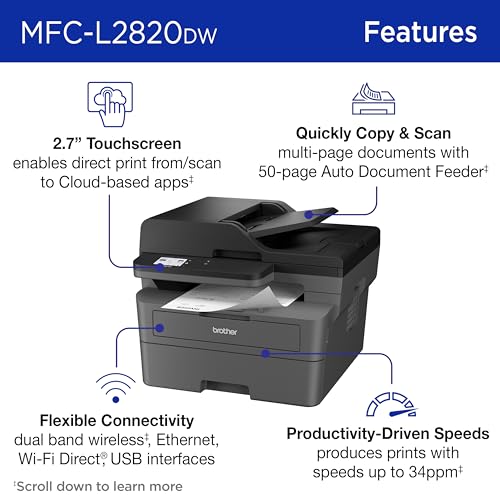
Buy a document scanner if you scan stacks, two-sided pages, or color; an all-in-one printer covers a few single-sided black and white pages when you want one box on the desk. The Brother MFC-L2820DW shows the limits: its page lists a 50-sheet feeder and no two-sided scanning.

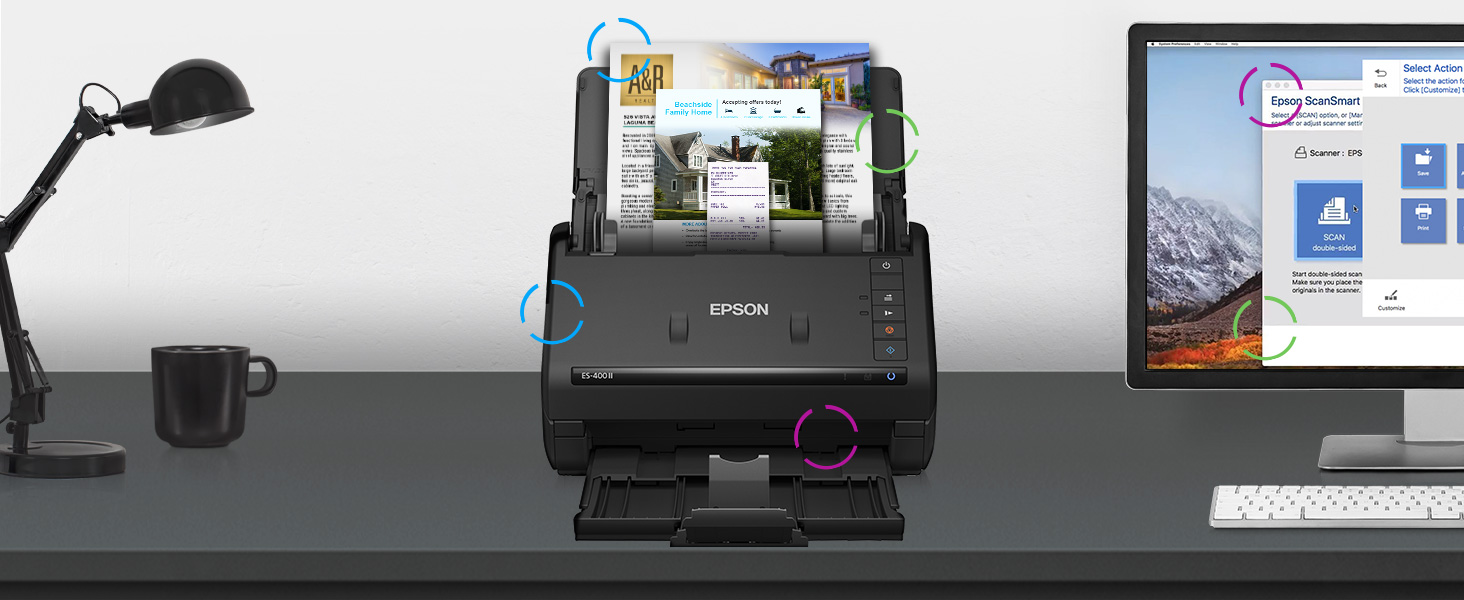
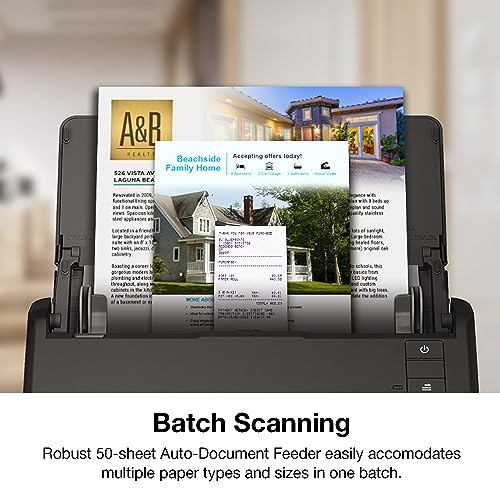
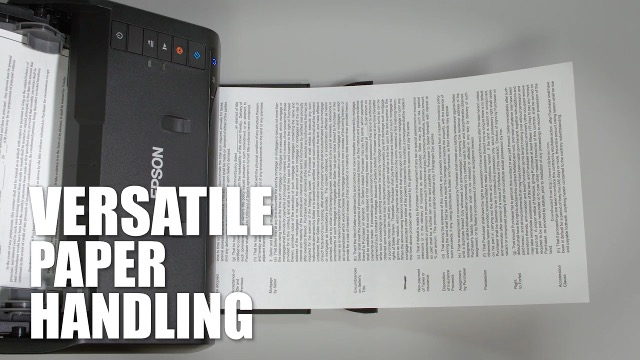
Epson Workforce ES-400 II High-Speed Color Duplex






As an Amazon Associate we earn from qualifying purchases. Product prices and availability are accurate as of the date/time indicated.

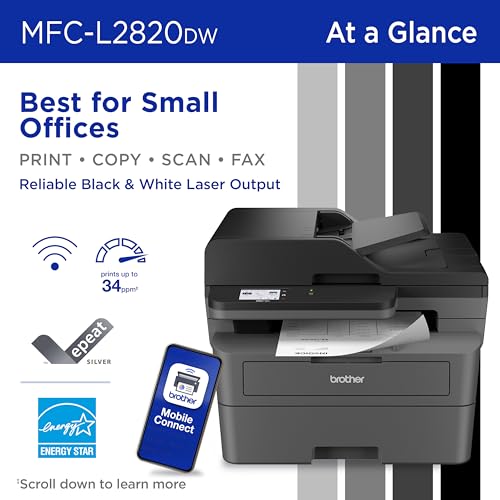
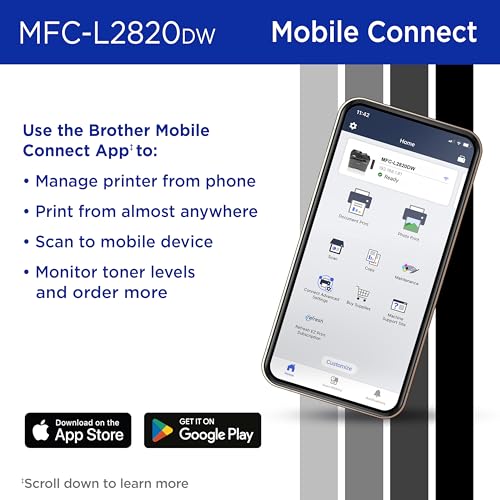
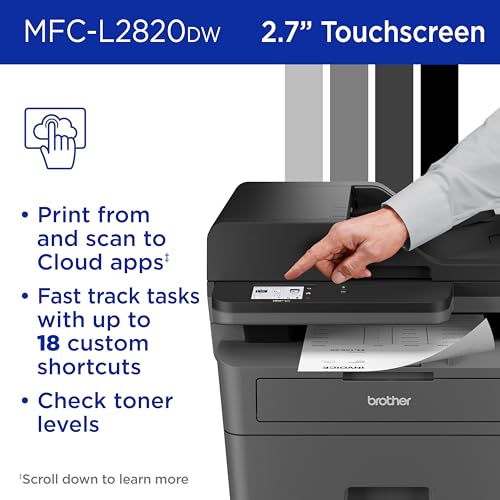
Brother MFC-L2820DW Wireless Compact Monochrome



As an Amazon Associate we earn from qualifying purchases. Product prices and availability are accurate as of the date/time indicated.

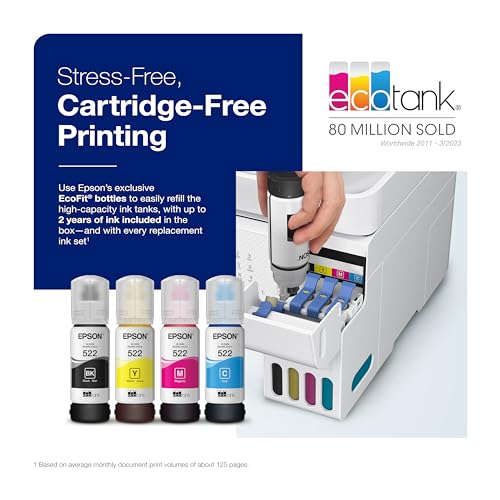
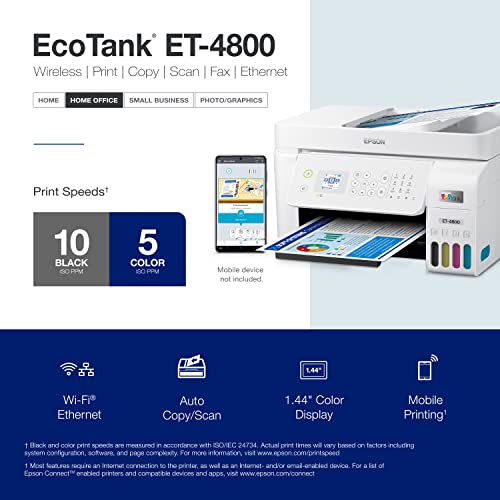
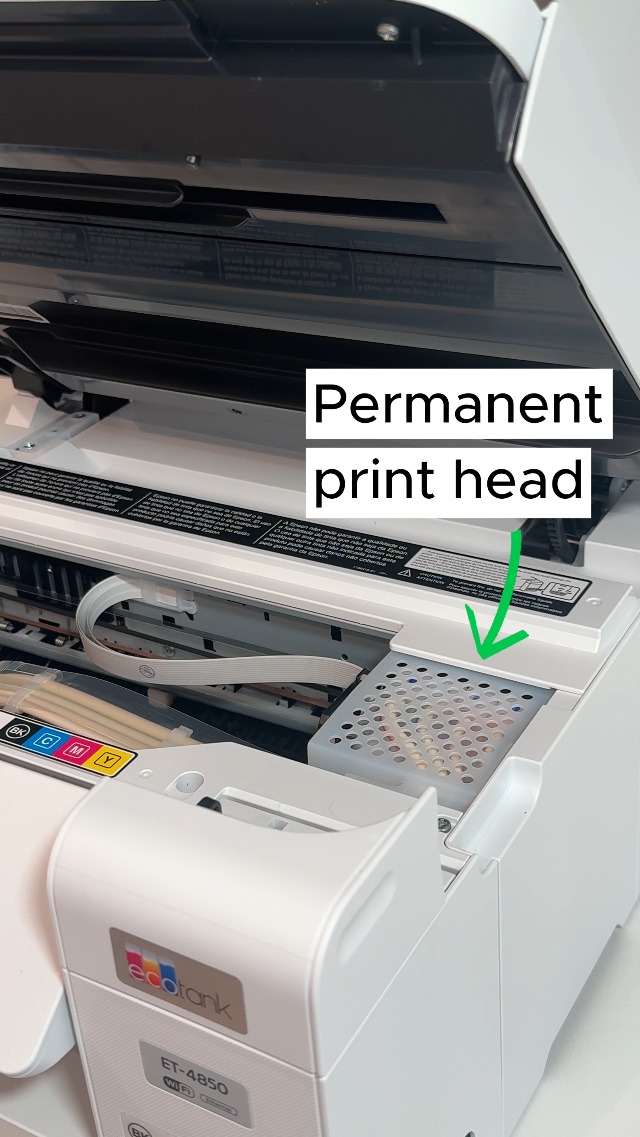
Epson EcoTank ET-4800 Wireless Color All-in-One



As an Amazon Associate we earn from qualifying purchases. Product prices and availability are accurate as of the date/time indicated.
| Item | Epson ES-400 II (scanner) | Brother MFC-L2820DW (all-in-one) | Epson ET-4800 (all-in-one) |
|---|---|---|---|
| Scanner type | Sheet-fed | Flatbed with feeder | Flatbed with an auto document feeder |
| Feeder | 50 sheets | 50 sheets | Capacity not listed |
| Scan speed | Up to 35 ppm / 70 ipm (Letter, 300 dpi) | 23.6 ppm black and white, 7.9 ppm color, one-sided | Not listed |
| Two-sided scanning | Yes, 2-sided | No | Not listed |
| Scan drivers | TWAIN included | TWAIN, WIA, SANE | Not listed |
| Systems | ScanSmart on a Windows PC or Mac, no versions | macOS scanning requires AirPrint, per Brother | Not listed |
| Size (listing) | 11.6 x 11.6 x 6.9 in | 15.7 x 16.1 x 12.5 in | 13.6 x 14.7 x 9.3 in |
Source: Epson US and Brother USA product pages, checked November 2026; sizes come from the Amazon listings. We research and compare; we do not run our own product trials.
Speed and two-sided pages
Take 50 two-sided sheets, which is 100 sides. Epson rates the ES-400 II at 70 ipm, so 100 / 70 = about 1.4 minutes. The MFC-L2820DW lists duplex scanning as No, so you scan 50 sides, flip the stack by hand, and scan again. At its black and white rating, 50 / 23.6 = about 2.1 minutes per pass, or about 4.2 minutes for both passes before you flip the stack. In color at the listed 7.9 ppm, 100 / 7.9 = about 12.7 minutes. Brother’s footnote ties the black and white figure to ISO/IEC 17991 with advanced features off, Letter at 300 dpi.
Computers and drivers
Epson lists a TWAIN driver and ScanSmart for a Windows PC or Mac. Brother lists TWAIN, WIA, and SANE drivers and a footnote that scanning via macOS requires AirPrint, so a Mac owner should read that note first. For the ET-4800, Epson’s page lists a flatbed and an auto document feeder, and no speed, duplex, driver, or system information; see our home office printer guide for the printer side.
What you already own
If an all-in-one is already on your desk, the scan function adds nothing to buy, which is our own point, not a maker claim. Check its feeder size and one-sided limit against your pile with do you need a scanner to scan a document. A separate scanner adds a second device; the listings show the ES-400 II at 11.6 x 11.6 in, smaller than either printer.
Choose a document scanner if
- You scan two-sided pages often; the ES-400 II lists 2-sided scanning and the MFC-L2820DW lists No.
- You scan in color; Brother lists 7.9 ppm for color on the MFC-L2820DW.
- You want Epson’s ScanSmart and TWAIN driver on a Mac or PC, since Brother ties macOS scanning to AirPrint; see best document scanners, and ADF scanners for the feeder term.
Choose an all-in-one if
- You scan a few single-sided black and white pages and also print and copy.
- You want one device and your batches fit a 50-sheet feeder.
- You will confirm the ET-4800’s feeder size and speed with Epson first; the page lists neither.
FAQ
Can an all-in-one make searchable PDFs?
Brother’s page lists Scan to Searchable PDF among its Brother Cloud Apps for the MFC-L2820DW. Epson’s ET-4800 page names no scan destinations; see OCR scanning.
Is a flatbed or a feeder better for bound pages?
A flatbed holds a book open; a feeder moves loose sheets. The flatbed vs sheet-fed comparison covers it, and more guides are in Scanners.
Changelog: November 2026: first published.









