

If you only shoot or inherited 35 mm film, a dedicated film scanner with a published optical resolution of 7,200 dpi is the safest buy, and the Plustek OpticFilm 8200i SE is the first one to check because Plustek lists a built-in infrared channel for dust and scratches.


Quick Comparison
| Model | Resolution as stated | Dust and scratch handling | Software and OS as stated | Best for |
|---|---|---|---|---|
| Plustek OpticFilm 8200i SE | 7,200 dpi optical, 48-bit input (Plustek) | Built-in infrared channel (Plustek) | SilverFast SE Plus, QuickScan; Windows 7 to 11 (64-bit only), Mac OS 10.7 to 14.x (Plustek) | Archive scans of dusty film |
| Plustek OpticFilm 8100 | 7,200 dpi optical, up to 68.9 MP (Plustek) | No built-in infrared (Plustek footnote) | Same OS range (Plustek) | Clean, well-kept film |
| Plustek OpticFilm 8300i Ai | 7,200 dpi (listing) | Not read on a maker page | SilverFast 9 Ai Studio, QuickScan Plus (listing) | Buyers who want a calibration chart in the box |
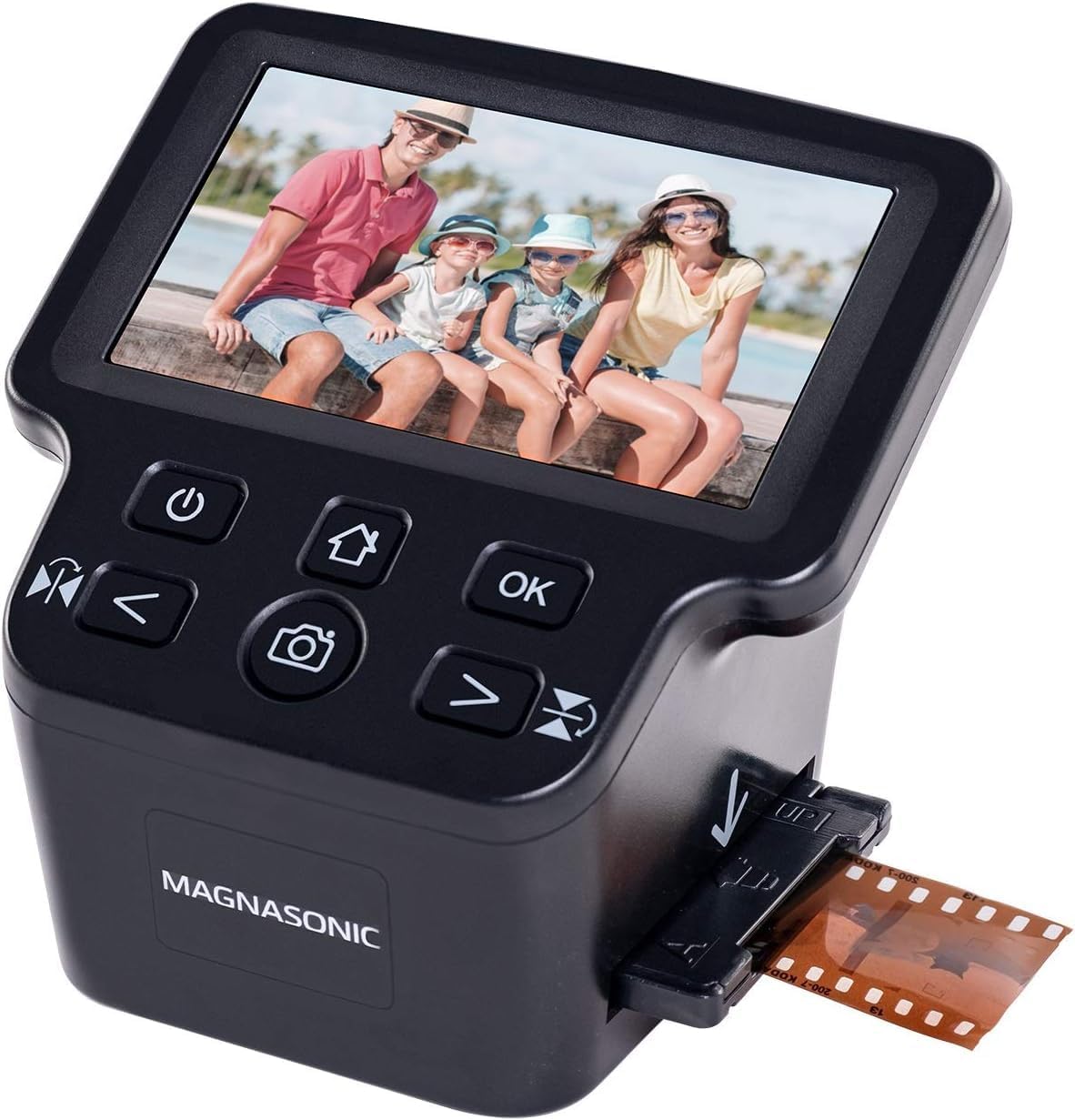
| Magnasonic FS71 | 16 MP sensor, 3,280 dpi; interpolated figures higher (Magnasonic) | Cannot fill in scratches or fading (Magnasonic) | SD card; computer not necessary but recommended per its FAQ; OS not listed (Magnasonic) | Fast family batches |
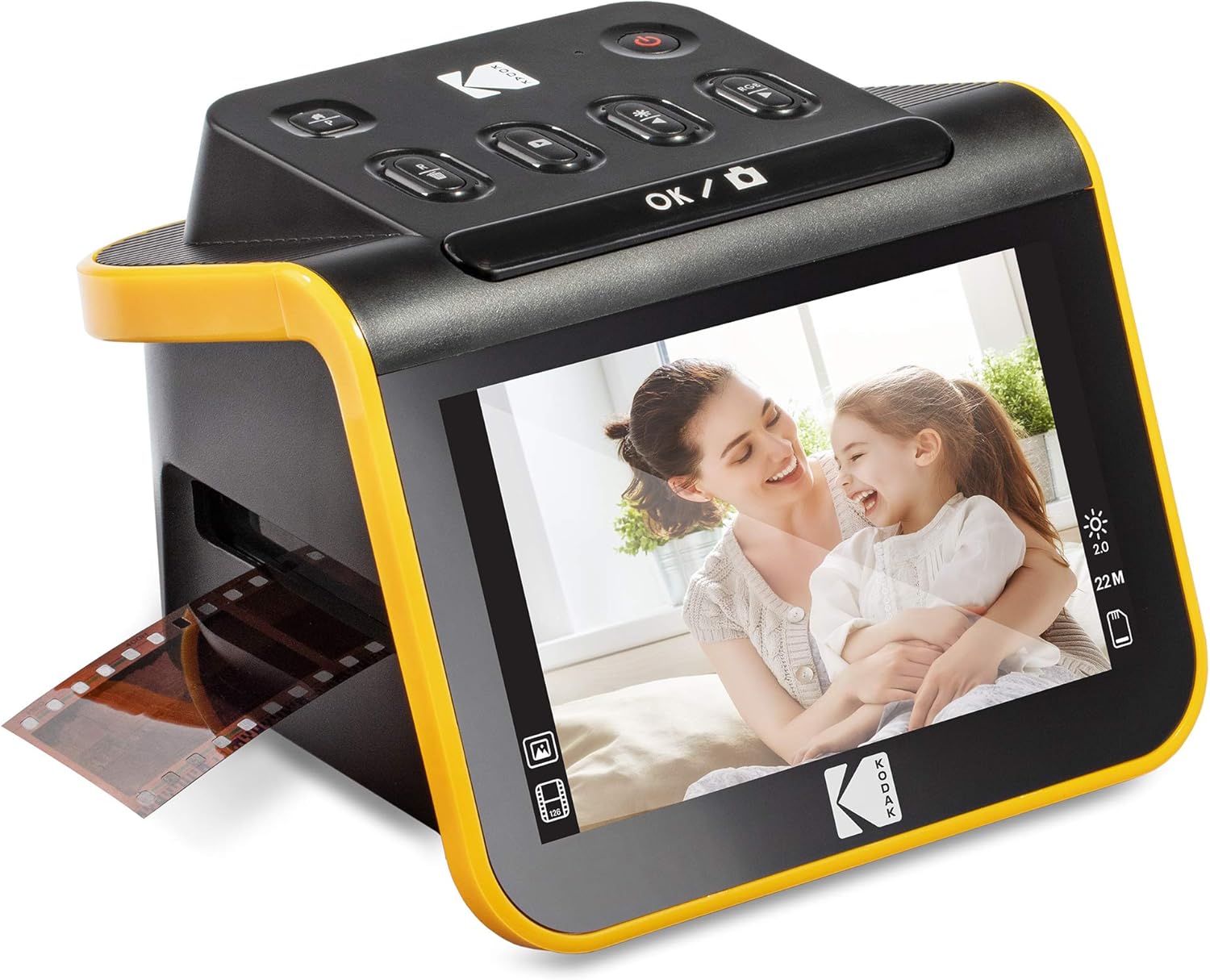
| Kodak Slide N Scan | Not stated by Kodak; listing says 22 MP | Not stated | Not stated by Kodak; listing says SD card, USB | Casual batches |
Source: Plustek, Magnasonic, and Kodak pages, plus Amazon listings where marked, checked November 2026.
How We Chose
The job: a shoebox of 35 mm slides and negatives, and nothing larger, scanned once at a resolution you can print from. A 35 mm frame measures about 1.42 x 0.94 in (our conversion of 36 x 24 mm). For an 8 x 10 in print at 300 pixels per inch, the short side needs (8 x 300) / 0.94 = about 2,550 dpi. For 16 x 20 in it is (16 x 300) / 0.94 = about 5,100 dpi. We research and compare; we do not run our own product trials. Card scores follow our buyer-rating conversion.
For 120 film see the medium format guide; for a mixed ranking see best film scanners.
Our Picks
1. Plustek OpticFilm 8200i SE
- Plustek’s page lists 7,200 x 7,200 dpi (69 megapixels) for 35 mm negatives and mounted slides, 48-bit input, and a built-in infrared channel that detects dust and scratches.
- Bundled software is Plustek QuickScan and SilverFast SE Plus. The page lists Windows 7 to 11 (64-bit only) and Mac OS 10.7 to 14.x.
- Best for: film with visible dust, such as slides stored loose for decades.
- Avoid if: you have a 32-bit Windows PC, since Plustek lists 64-bit only.
2. Plustek OpticFilm 8100
- Plustek lists true 7,200 dpi optical resolution, output up to 68.9 megapixels, and a dynamic range of up to 3.6 D. Plustek’s 8200i SE page footnotes that the 8100 lacks iSRD and HDRi because it has no built-in infrared. The listing title says SilverFast SE Plus 9 while its feature text says SE Plus 8; Plustek’s page names no version.
- Best for: film that is already clean and a simpler machine inside the Plustek line.
- Avoid if: your film is dusty and you want hardware dust detection.
3. Plustek OpticFilm 8300i Ai
- We could not read figures for this model on Plustek’s page, so everything here is the Amazon listing. It lists 7,200 dpi, SilverFast 9 Ai Studio, QuickScan Plus, and a bundled 3-slide IT8 calibration chart.
- Best for: people who plan to calibrate color against an IT8 chart.
- Avoid if: you need a maker-confirmed OS list.
4. Magnasonic FS71
- Magnasonic lists a 16 MP (4,490 x 3,412) sensor, 3,280 dpi (4,920 dpi interpolated), a 5 in screen, and SD cards up to 128 GB.
- Magnasonic says it cannot scan undeveloped film or fill in scratches and fading. Warranty is 1 year.
- Best for: several hundred slides you want as snapshots to share.
- Avoid if: you plan prints past about 8 x 10 in; 3,280 dpi is below the 5,100 dpi a 16 x 20 in print needs by our formula.
5. Kodak Slide N Scan
- Kodak’s page lists color and black-and-white negatives (135, 110, 126) and 50 mm slides (135, 110, 126). It states no resolution.
- The listing says it saves to an SD card (not included, up to 32 GB).
- Best for: casual batches.
- Avoid if: you need a resolution figure to plan print sizes.
Resolution and File Size
At 7,200 dpi a 0.94 x 1.42 in frame is about 6,770 x 10,220 pixels, roughly 69 million, matching Plustek’s 68.9 MP. Our math: that frame prints about 22.5 in on its short side at 300 ppi (6,770 / 300). Uncompressed 24-bit output is about 69 x 3 = 207 MB per frame, so 100 frames = about 21 GB. Scanning at 3,600 dpi cuts that to a quarter, about 52 MB per frame and 5 GB per 100. Steps: scan slides and negatives.
Ongoing Costs
Plustek notes that SilverFast HDR or HDR Studio is required to process HDRi files. The Magnasonic and Kodak units need an SD card that is not included.
Compatibility
- Plustek 8100 and 8200i SE: Windows 7/8/10/11 (64-bit only) and Mac OS 10.7 to 14.x per each Plustek page.
- Plustek 8300i Ai: not stated on a page we could read; the listing gives Windows 7 to 11 and Mac OS.
- Magnasonic FS71: OS not listed; the product page says a USB cable connects it to a PC or Mac, and the FAQ quoted above recommends using a computer.
- Kodak Slide N Scan: not stated by Kodak; the listing gives Windows 7 as a minimum.
FAQ
Is a flatbed enough for 35 mm film?
Only one whose maker lists film holders, such as the Epson Perfection V850 Pro in best film scanners.
Which file format should I save?
Keep a TIFF master and share JPEG copies; TIFF vs JPEG covers the trade-off.
Can I skip the computer?
Some SD-card units can run without one; see scanners that work without a computer.
Changelog: November 2026: first published.









