

The scanners that run without a computer in our catalog are standalone slide and negative scanners that save to an SD card, and the ClearClick Virtuoso 3.0 is the clearest fit because its maker page says no computer is required. We did not find a standalone scanner for printed photos, so this guide covers film and slides only.


Quick Comparison
| Model | Computer needed? | Storage as stated | Resolution as stated | Screen |
|---|---|---|---|---|
| ClearClick Virtuoso 3.0 | “No computer is required” (ClearClick) | SD card, 32 GB or less, Class 10 or higher, not included | 14 MP, or 22 MP interpolated | 7 in |
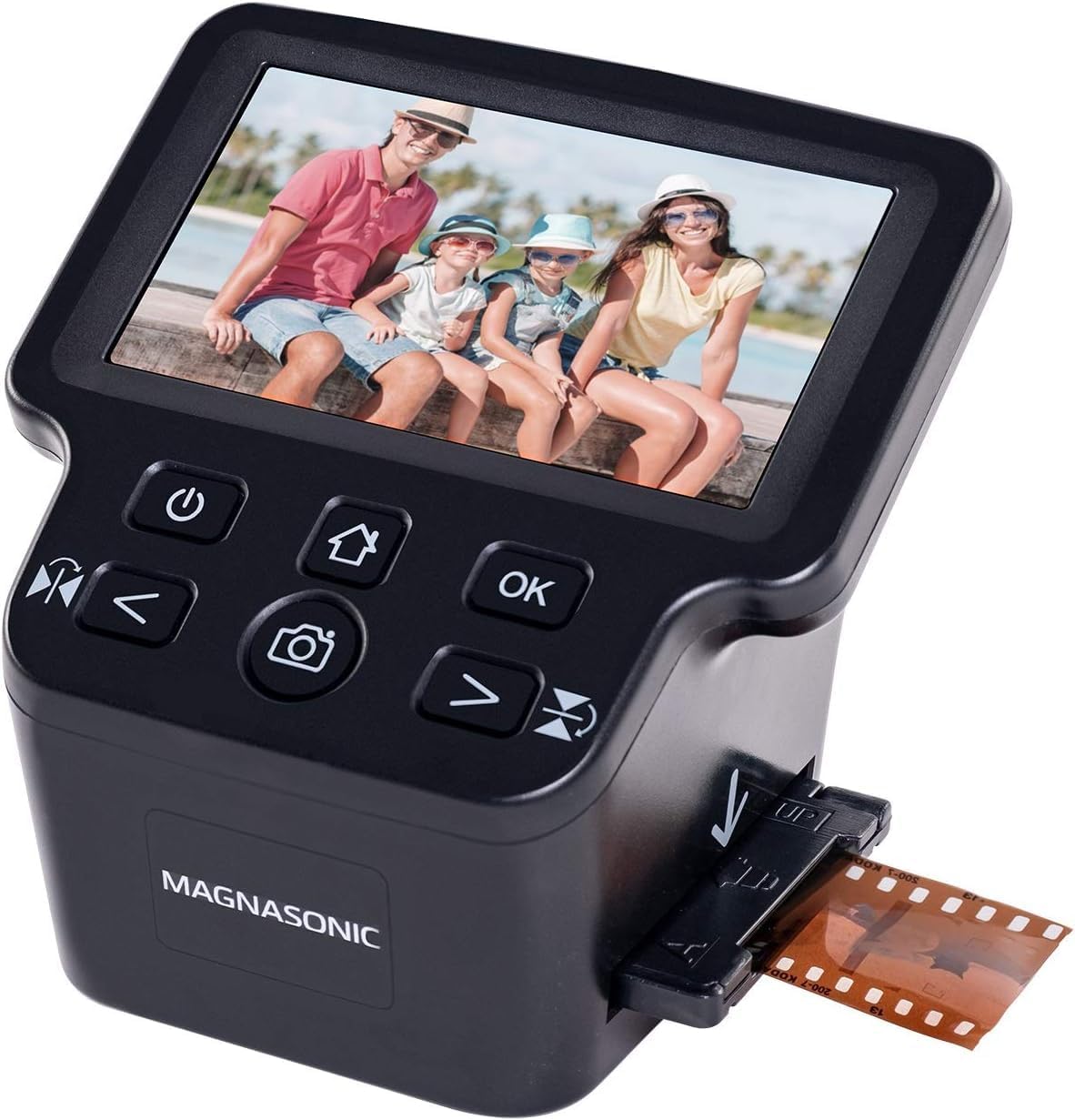
| Magnasonic FS71 | “Not necessary,” “highly recommended” (FAQ) | SD up to 128 GB, not included | 16 MP sensor; 24 MP interpolated | 5 in |
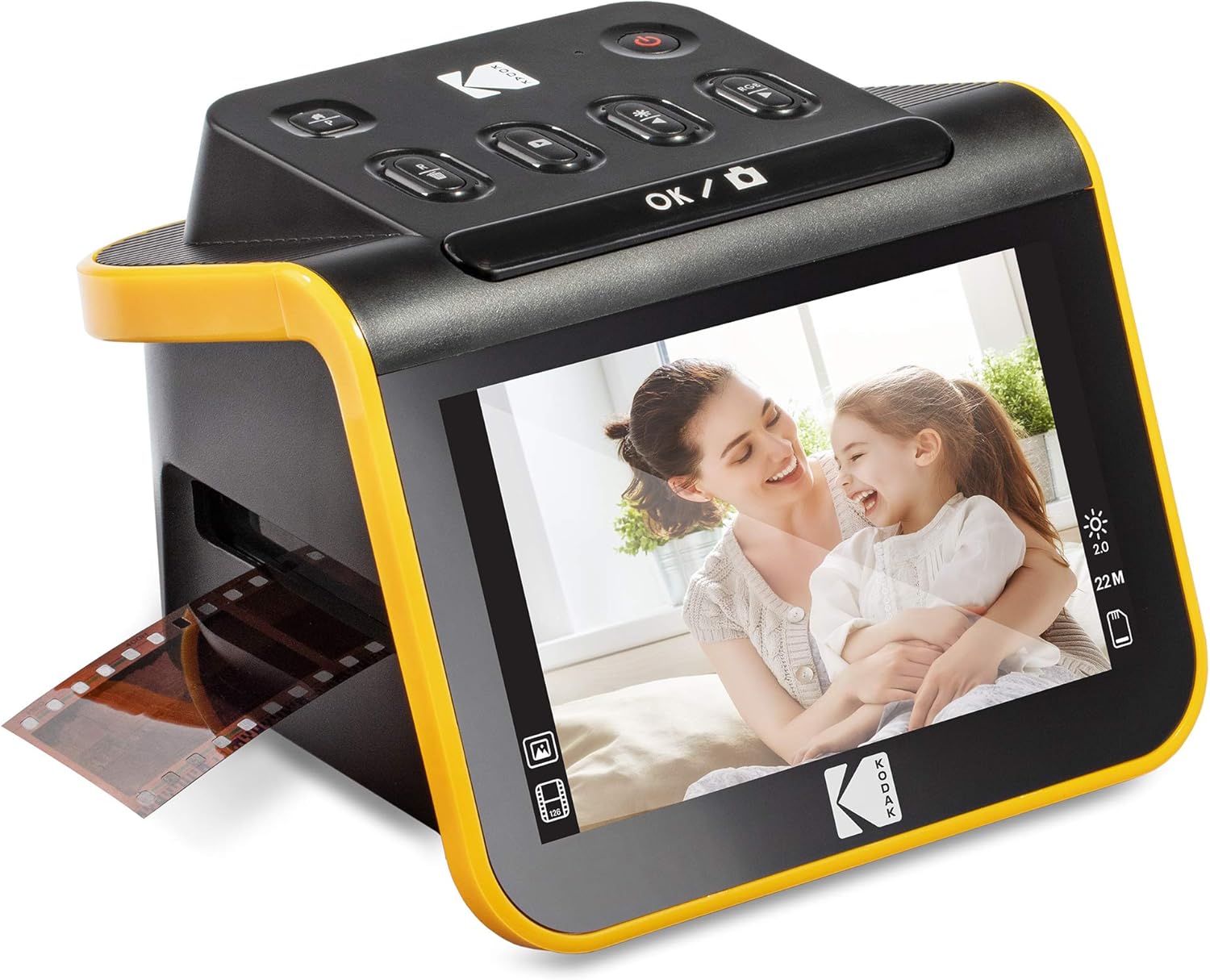
| Kodak Scanza | “PC/Mac compatible, no software required” (Kodak PhotoPlus licensee store page) | SD/SDHC up to 128 GB per that store page; kodak.com says microSD | 14 MP; 22 MP interpolation | 3.5 in |
| Kodak Slide N Scan | Not stated by Kodak; listing says saves directly to SD card | Listing: SD or SDHC up to 32 GB, not included | Not stated by Kodak; listing says 22 MP | 5 in or 7 in versions on Kodak’s page |
Source: ClearClick, Magnasonic, Kodak, and Kodak PhotoPlus pages, plus Amazon listings where marked, checked November 2026. Interpolated means pixels added by software, not captured by the sensor.
How We Chose
The job: scan developed slides and negatives to a card with no PC or Mac in the loop. We kept models whose maker page or listing describes saving to an SD card, and we left out any scanner that needs a computer to operate. Absence on a page is not proof, so a “not stated” cell means we could not confirm it, not that the feature is missing. We research and compare; we do not run our own product trials. Scores follow our conversion.
Printed photos are a different job. For prints, see photo scanner vs phone app and best photo scanners, which cover scanners that need a computer.
Our Picks
1. ClearClick Virtuoso 3.0
- ClearClick’s page lists 35 mm, 110, and 126 negatives and 35 mm slides (2 x 2 in, 50 x 50 mm), a 7 in preview screen, and mini-HDMI output to a TV. It says “No computer is required to use the scanner, which means no confusing software or drivers.”
- Scans go to an SD card that is not included. The box lists a USB cable and power adapter, and the page says you can move photos by connecting the scanner to a PC or Mac or by putting the card in a computer.
- The listing quotes a scanning quality of about 3,824 x 2,512 pixels, which multiplies to about 9.6 MP, while the page and listing both give 14 MP or 22 MP interpolated. We could not reconcile the two.
- Best for: a drawer of 35 mm slides and strips on a desk with no PC nearby.
- Avoid if: you have 120 film, which the page does not list, or you need print sizes past what the listing’s 3,824 x 2,512 pixel figure gives; if it is right, our math puts it at about 12.7 x 8.4 in at 300 ppi (3,824 / 300 and 2,512 / 300).
2. Magnasonic FS71
- Magnasonic lists a 16 MP (4,490 x 3,412) sensor, a 5 in screen, and SD cards up to 128 GB. By our math that frame prints about 15 x 11.4 in at 300 ppi (4,490 / 300 and 3,412 / 300).
- The product page says there is “no need for a computer” to adjust brightness and color, while the FAQ says a computer is “not necessary” but “highly recommended.” It cannot scan undeveloped film, and Super 8 comes out as still images only. Warranty is 1 year.
- Best for: a larger sensor figure than the others here.
- Avoid if: you want a maker statement that a computer is never needed.
3. Kodak Scanza
- The Kodak PhotoPlus store page (a licensee store, not kodak.com) lists a 14 MP sensor with 22 MP interpolation, a 3.5 in screen, USB 2.0, HDMI, and film types 135, 126, 110, Super 8, and 8mm. kodak.com’s Scanza page says you can save to a computer or a microSD card, which conflicts with the store page’s SD/SDHC slot.
- Best for: mixed 8mm and 35 mm boxes that need one machine.
- Avoid if: you need a card type settled in advance; the two Kodak sources disagree.
4. Kodak Slide N Scan
- Kodak’s page lists negatives (135, 110, 126) and 50 mm slides (135, 110, 126) and states no resolution, storage, or computer requirement.
- The listing says it saves to an SD card (not included), takes cards up to 32 GB, includes USB and HDMI cables, and connects to a Type-C USB computer.
- Best for: casual family batches.
- Avoid if: you need maker-confirmed computer-free use or a resolution figure.
Ongoing Costs
All four need an SD card that is not included per the maker page or listing. ClearClick lists 32 GB or less, Class 10 or higher; the Kodak Slide N Scan listing says up to 32 GB; Magnasonic and the Kodak PhotoPlus page for the Scanza say up to 128 GB.
Compatibility
- ClearClick: connects to a PC or Mac per its page; no OS list on the page we read.
- Magnasonic: USB to PC or Mac per its page; OS not listed.
- Kodak Scanza: “PC/Mac compatible” per the store page; no versions.
- Kodak Slide N Scan: not stated by Kodak; the listing gives Windows 7 as a minimum.
FAQ
Will these scan my printed photos?
No. The makers describe film, slides, and negatives. Prints need a flatbed or sheet-fed photo scanner, or a phone; see scan photos with your phone.
Is an SD-card scanner enough for archive scans?
Magnasonic and the Scanza listing describe JPEG output, so these suit sharing more than master copies. For TIFF masters, see best film scanners for 35mm.
Changelog: November 2026: first published.









