

A 48 in wide, 24 in deep desk holds two 24 in monitors with room to spare, and two monitor arms clamped to the back edge keep the desk surface free. The build below is a sit-stand desk, a dual arm, and a monitor light bar; you bring the two screens.
We research and compare; we do not run our own product trials. These picks come from listings, manuals, and public owner feedback, not from units we handled, and our method page explains the sources.
Layout and measurements
Width decides whether two screens fit. A 16:9 panel is about 0.87 times its diagonal wide, so a 24 in monitor is about 20.9 in wide and a 27 in monitor about 23.5 in wide. Two 24 in screens take about 42 in; two 27 in screens take about 47 in, which leaves almost nothing on a 48 in top once bezels are counted.
- Center the keyboard between the two screens, or center the screen you look at most and angle the second one inward.
- OSHA gives a viewing distance of 20 to 40 in and says the top of the screen should sit at or below eye level. Our monitor height guide and monitor distance guide show the math.
- A 24 in deep top puts the screens close, so sit back far enough to land inside that range.
The parts
| Role | Pick | Key figures | Source of the figures |
|---|---|---|---|
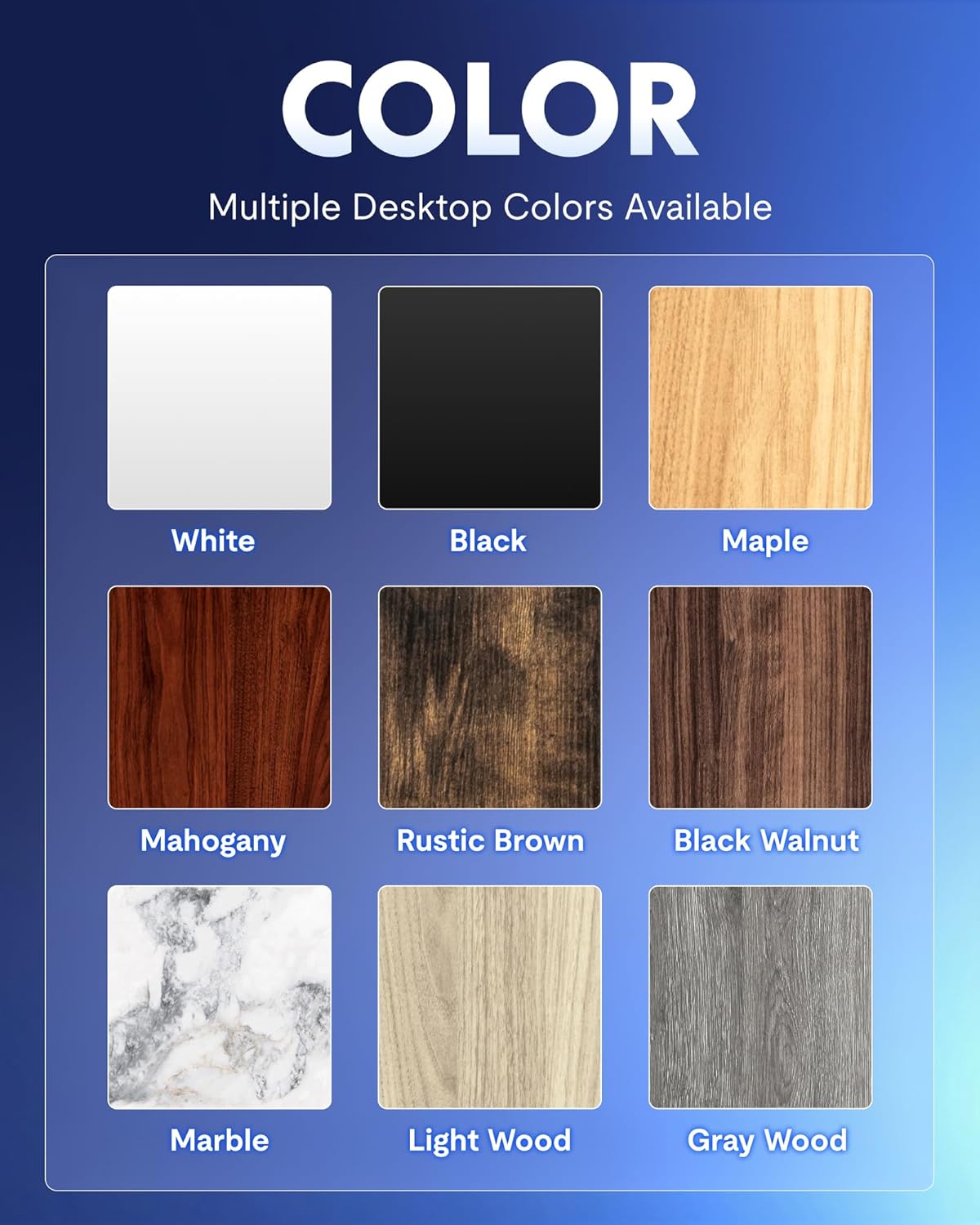
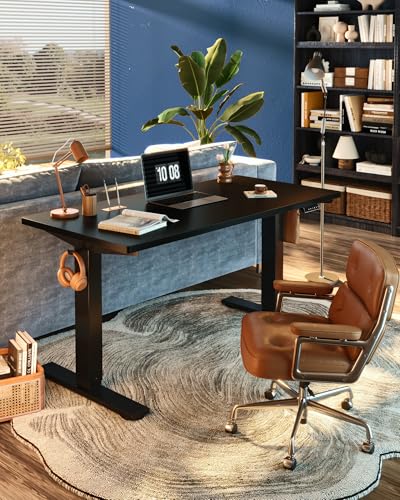
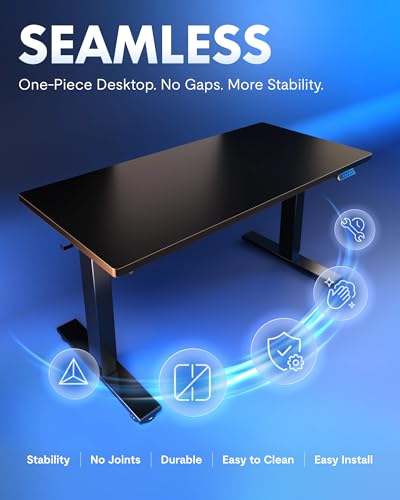
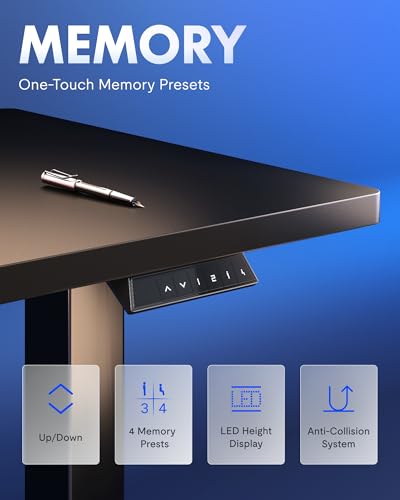
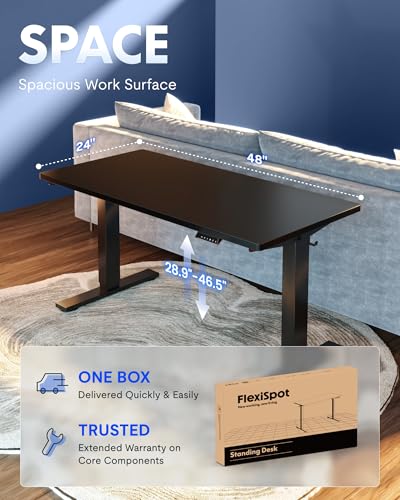
| Desk | FlexiSpot EN1 | 48 x 24 in one-piece top, 4 memory presets | Amazon listing; confirm on Flexispot |
| Premium arm | Ergotron LX Dual Monitor Arm | Two screens up to 27 in, 7 to 20 lb each, VESA 75×75 or 100×100 | Amazon listing; confirm on Ergotron |
| Budget arm | VIVO STAND-V002 | Two screens 13 to 30 in, up to 22 lb each, VESA 75×75 or 100×100 | VIVO product page (vivo-us.com/products/stand-v002) |
| Light | BenQ ScreenBar Pro | Fits monitors 0.17 to 2.56 in thick, 500 lx over 85 x 50 cm | BenQ product page |
Source: Amazon listings, the VIVO product page, and the BenQ product page (benq.com/en-us/lighting/monitor-light/screenbar-pro.html), checked November 2026. Maker list prices could not be confirmed for every part, so no prices appear here; check each maker’s page before you buy.

FLEXISPOT EN1 One-Piece Standing Desk




As an Amazon Associate we earn from qualifying purchases. Product prices and availability are accurate as of the date/time indicated.
Where to save and where not to
Save on the arm if your screens are 24 in or smaller and under 22 lb each; the VIVO covers that on paper, and VIVO’s product page gives a maximum desktop thickness of 3.25 in. Do not save on the desk top thickness check. The EN1 listing gives a 0.63 in top (Flexispot’s page says 1 in laminate or 0.7 in bamboo for the 55 in version), and the Ergotron listing gives a clamp range starting at 0.63 in, so that pair sits at or near the edge. Read both manuals before ordering.
The EN1 listing also disagrees with itself: one line gives a 28.9 to 46.5 in height range and 176 lb, while the spec table gives 28.1 to 46.3 in and 154 lb. Use the Flexispot spec sheet for the number your seated and standing heights need. Two screens on arms weigh well under either load figure, but add your keyboard and anything else on top.
This is fit guidance, not medical advice; if you have pain or a health condition, talk to a qualified health professional before choosing equipment.
Upgrade later
- A sit-stand desk with a deeper top if you move to 27 in screens; see single vs dual motor standing desks.
- Cable routing along the arm poles and under the desk, covered in standing desk cable management.
- A wider layout if the room allows; small home office layouts lists floor plans.
FAQ
Do both monitors need to match?
No. Matching sizes make it easier to line up the tops, but mixed sizes still work if each is within the arm’s weight and VESA limits.
Will the light bar block a webcam?
BenQ’s product page describes the light bar as shaped to avoid built-in cameras and says a mounting accessory for a webcam above it is included. For more on desk basics, see the home office setup checklist and our budget setups.
Changelog: November 2026: first published.









