

Choose the Epson FastFoto FF-680W if the job is a box of loose prints and you want one scanner built around photos; choose the ScanSnap iX2500 Photo Edition if the same machine must also clear document paperwork and you accept loading prints in carrier sheets. These picks come from spec sheets and manuals, not from units we handled.

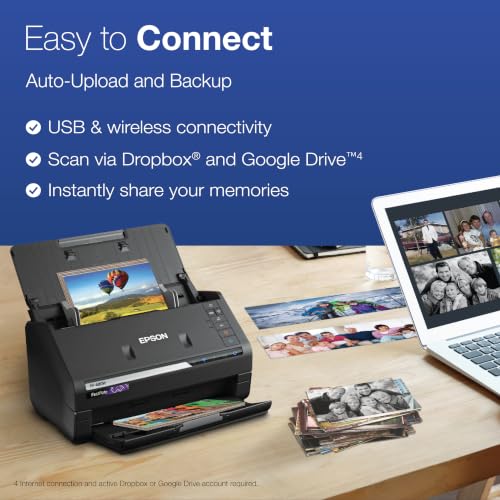
Epson FastFoto FF-680W High-Speed Duplex Photo


As an Amazon Associate we earn from qualifying purchases. Product prices and availability are accurate as of the date/time indicated.

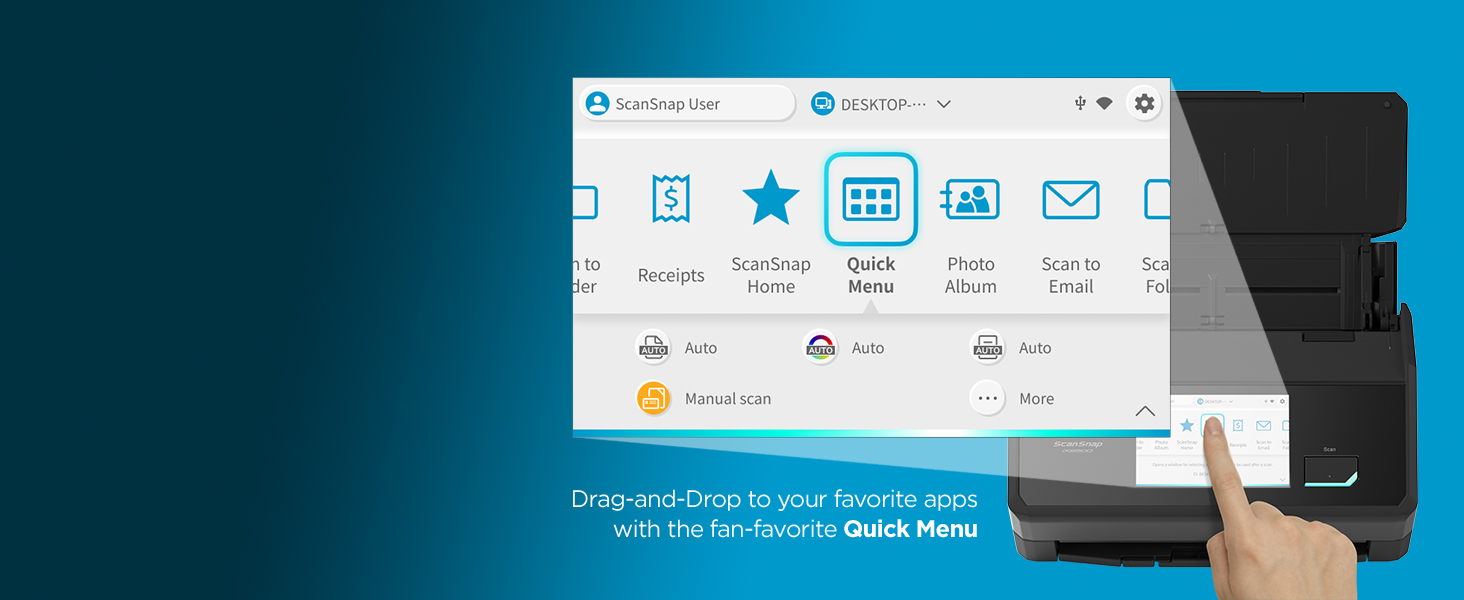
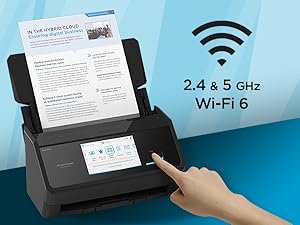
ScanSnap iX2500 Photo Edition Wireless or USB






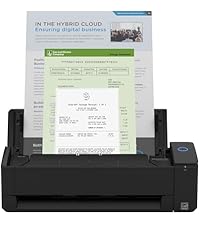
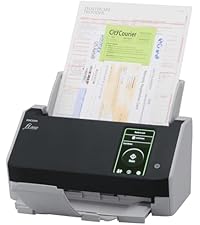
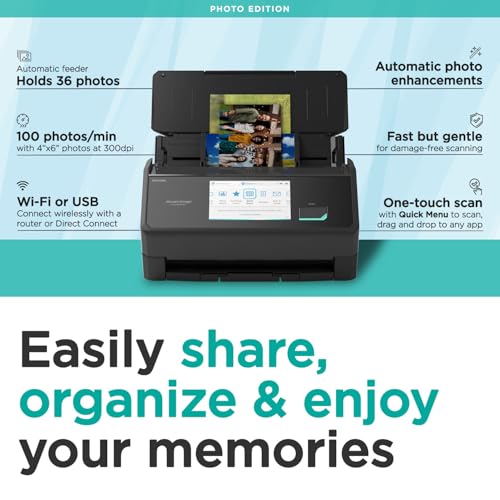
As an Amazon Associate we earn from qualifying purchases. Product prices and availability are accurate as of the date/time indicated.
| Epson FastFoto FF-680W | ScanSnap iX2500 Photo Edition | |
|---|---|---|
| Photo loading | Feeder spec lists 36 photos at 3.5 x 5 to 5 x 7 in, 10 at 8 x 10 in (Epson’s overview says up to 35) | Photos go in a Photo Carrier Sheet; PFU states no photo feed rate |
| Photo speed | 80 ppm / 160 ipm for 4 x 6 in landscape, 300 dpi color; average over thirty-six 4 x 6 in photos | PFU: not stated for photos; Amazon listing says up to 100 photos per minute |
| Document feeder and speed | 100 sheets; 45 ppm / 90 ipm, letter, 300 dpi | 100 sheets; 45 ppm / 90 ipm, A4, 300 dpi |
| Optical resolution | 600 dpi (1,200 dpi is interpolated, per Epson) | 600 dpi |
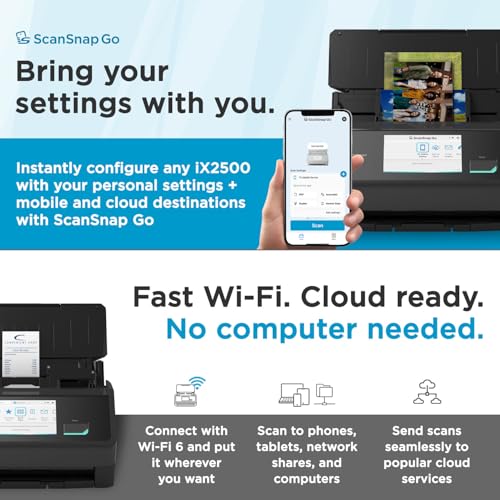
| Connection | USB 3.0, 802.11 b/g/n wireless | Wi-Fi 6, USB Type-C |
| Operating systems listed | Windows 7 to 10; macOS 10.11 to 10.13 | Windows 11 / 10; macOS Monterey 12 or later |
Source: Epson US product page and FF-680W user’s guide, and Ricoh PFU’s ScanSnap iX2500 page, checked November 2026. PFU’s page does not mention the Photo Edition bundle. The Amazon listing says it includes 3 carrier sheets; PFU’s FAQ says the sheet is sold separately.
The differences that matter
Loose prints: Epson feeds them directly
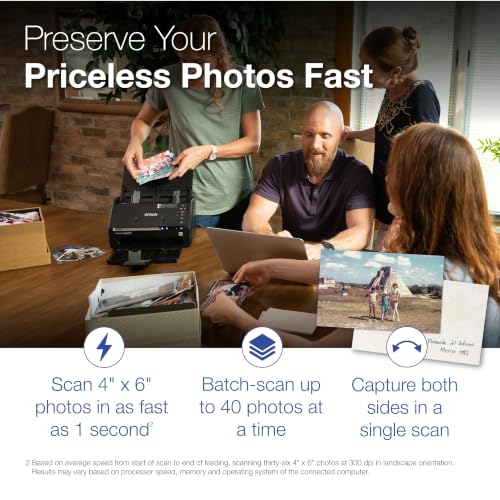
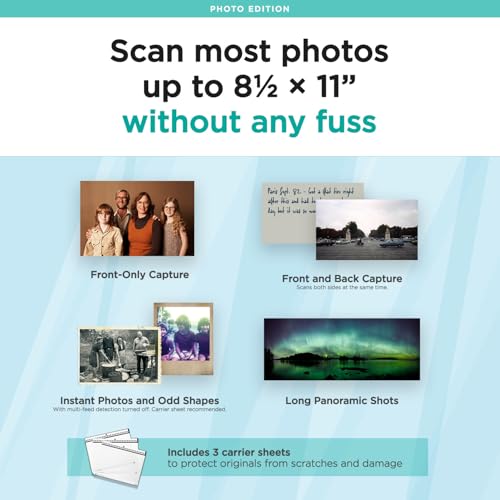
Epson rates the FF-680W at 80 photos per minute for 4 x 6 in prints, with a 36-photo feeder spec (its overview text says up to 35). The 80 ppm figure averages thirty-six 4 x 6 in photos; Epson says as fast as 1 photo per second. For 300 prints, 300 / 80 = about 4 minutes of scanning and 300 / 36 = 9 feeder loads. Ricoh describes photo scanning through its Photo Carrier Sheet accessory, which takes items up to 5 x 7 in, and its page does not say how many prints go through at once; the Amazon listing says up to 36 photos. Check that before counting on volume.
Operating system support
Epson’s FF-680W page lists Windows 7 to 10 and macOS 10.11 to 10.13 and does not name Windows 11 or a newer macOS. Ricoh lists Windows 11 / 10 and macOS Monterey 12 or later. If you run Windows 11 or a recent Mac, confirm the FastFoto software on Epson’s support page before you buy.
Documents and size
Both are rated 45 ppm for documents with a 100-sheet feeder, so paperwork is not the tiebreaker. If documents matter more than photos, see best document scanners. Ricoh’s ScanSnap iX1600 takes 50 sheets at 40 ppm and the ScanSnap iX1300 takes 20 sheets at 30 ppm in a smaller case; Ricoh lists carrier-sheet scanning on the iX1300 in manual-feed mode only.
Choose the FastFoto FF-680W if
- You have hundreds of loose prints and want to load a stack and walk away.
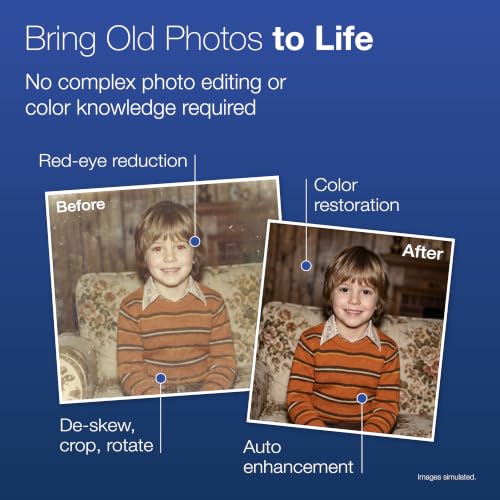
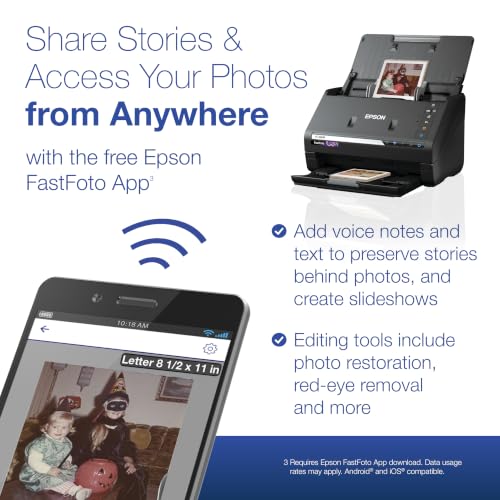
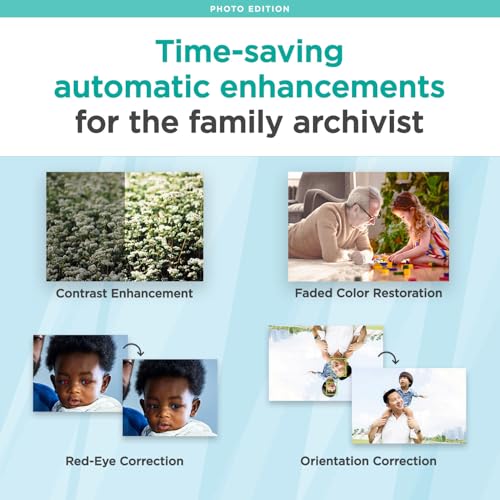
- You want the manufacturer’s photo software built around prints, with a USB 3.0 or wireless connection.
- Your computer runs an operating system Epson lists, or Epson support confirms a current driver.
Choose the ScanSnap iX2500 Photo Edition if
- You run Windows 11 or a current macOS and want Ricoh’s listed support.
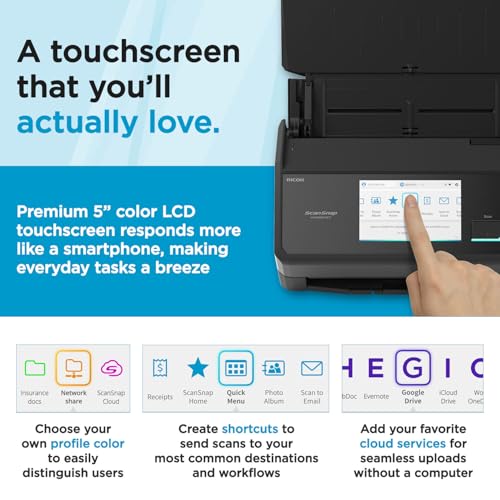
- Photos are a side job next to receipts, forms, and a filing cabinet.
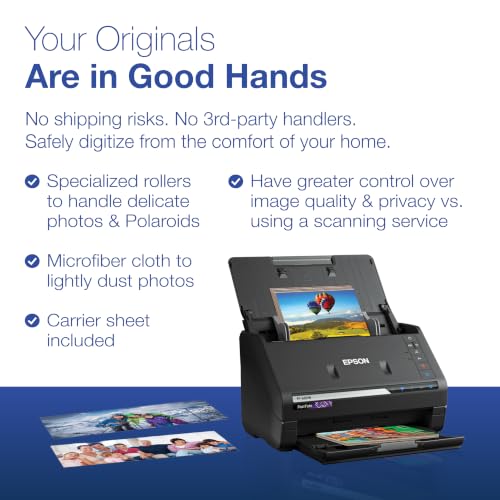
- Your prints are fragile or odd-sized and you prefer to sleeve them in a carrier sheet.
Both are sheet-fed only. Prints stuck in album pages need a flatbed; see photo scanner vs phone app and the scanners category.
FAQ
Is 1,200 dpi worth choosing on the FF-680W?
Epson lists 600 dpi as the optical resolution and describes 1,200 dpi as interpolated, meaning software doubles it. Pick the dpi with the formula in what DPI to scan photos at.
Does either one scan old documents too?
Yes. Both list a 100-sheet document feeder at 45 ppm; the trade-offs against a flatbed are in flatbed vs sheet-fed scanner.
Changelog: November 2026: first published.









