

For 35 mm slides and negatives you plan to print at 8 x 10 in, the Plustek OpticFilm 8100 is the strongest fit on this list, with 7,200 dpi optical resolution per Plustek; if you also have medium-format or 4 x 5 in film, only the Epson Perfection V850 Pro here takes it.


Quick Comparison
| Model | Type | Resolution as listed | Film formats listed | Best for |
|---|---|---|---|---|
| Plustek OpticFilm 8100 | Dedicated film scanner | 7,200 dpi optical | 35 mm slides and strips | 35 mm archive |
| Epson Perfection V850 Pro | Flatbed with film units | 4,800 or 6,400 dpi | 35 mm, medium format to 6 x 20 cm, 4 x 5 in | Mixed film sizes |
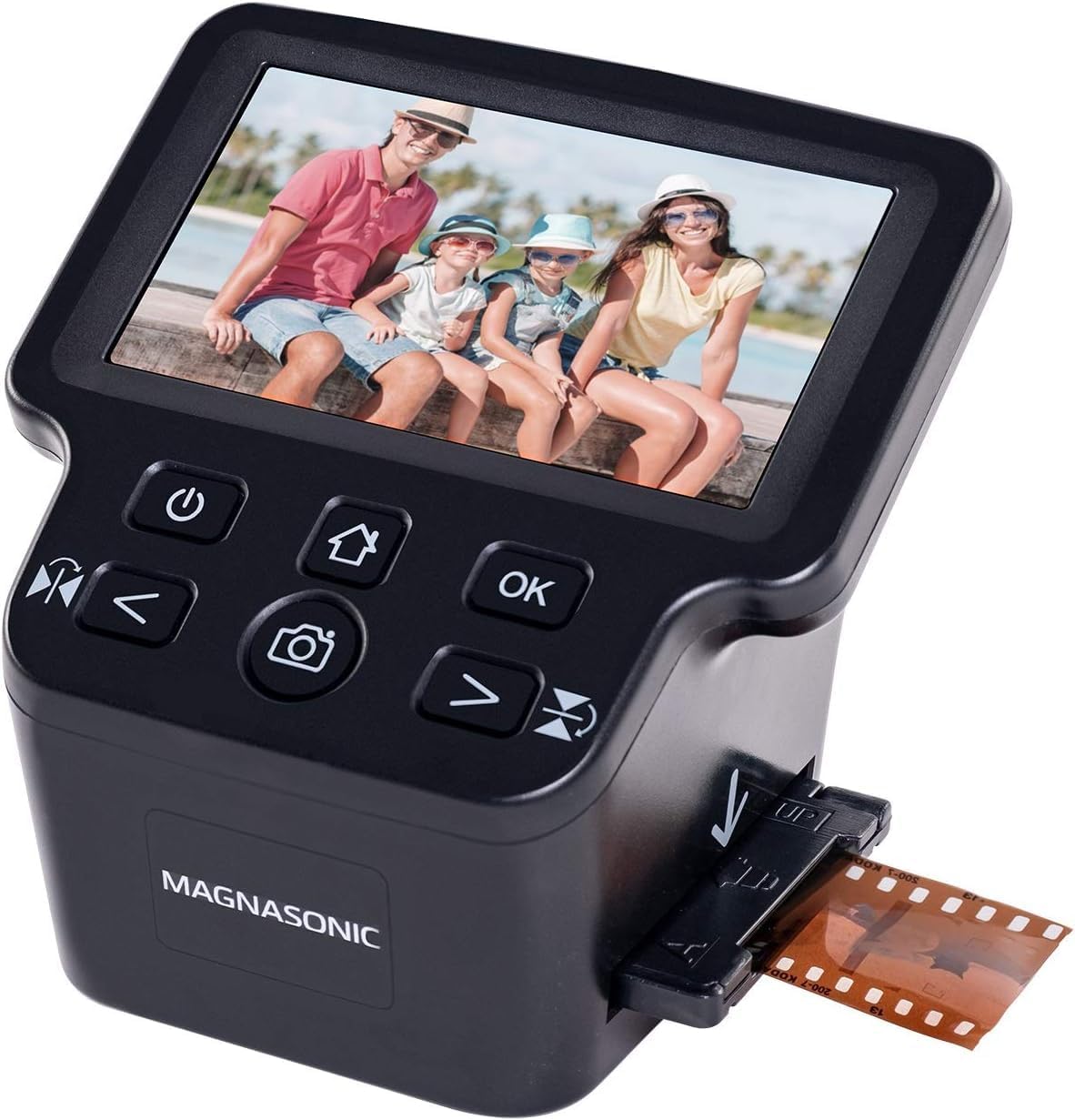
| Magnasonic FS71 | Standalone, SD card | 16 MP sensor, 24 MP interpolated; 3,280 dpi, 4,920 dpi interpolated | 35 mm, 110, 126, Super 8; 135, 110, 126 slides | Quick batches |
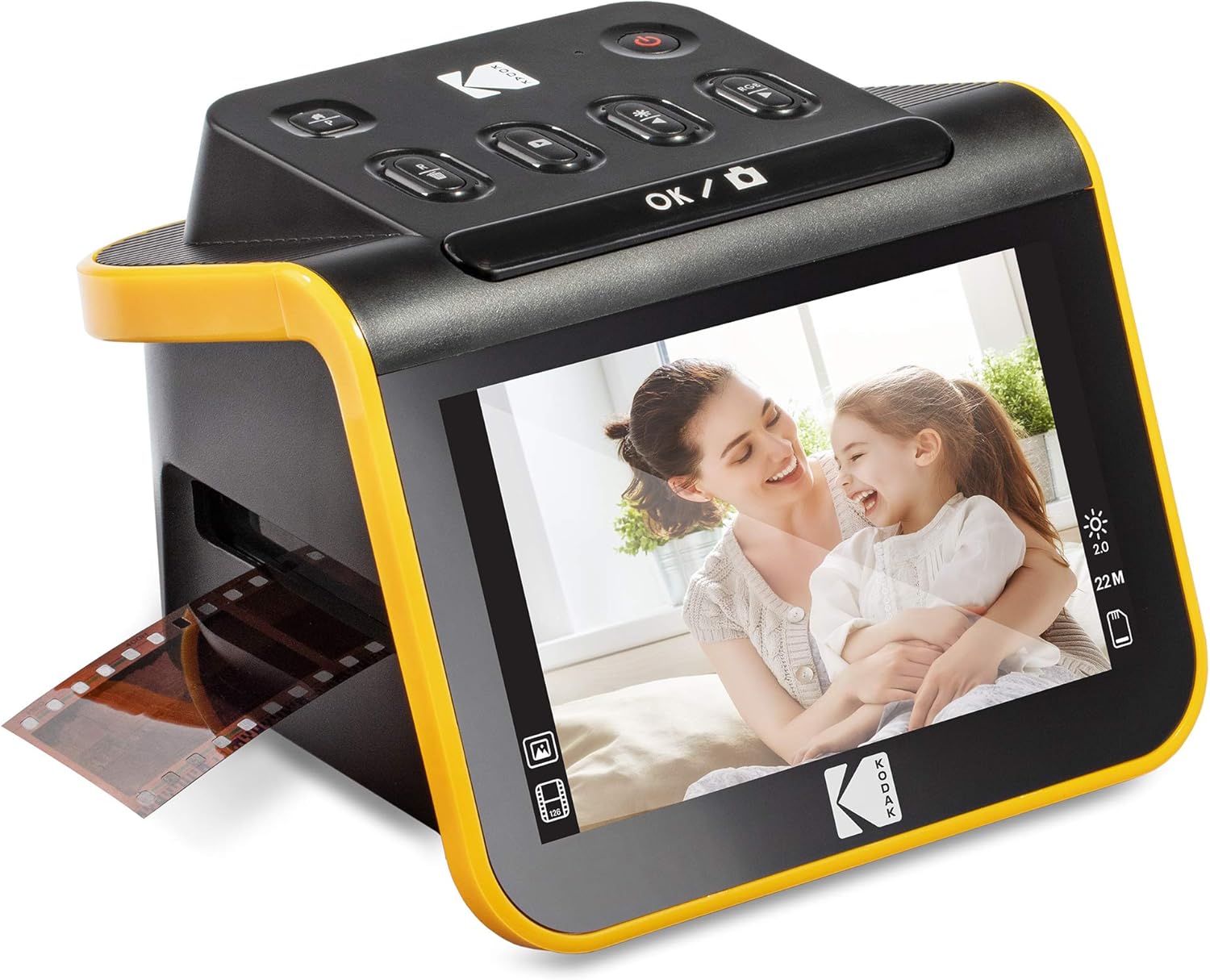
| Kodak Slide N Scan | Standalone | Not stated by Kodak | 135, 110, 126 negatives; 50 mm slides | Quick batches |
Source: manufacturer pages from Plustek, Epson, Magnasonic, and Kodak, checked November 2026. Magnasonic lists Super 8 for still images only.
How We Chose
The job: a box of 35 mm slides and negatives to print at up to 8 x 10 in. That needs about 2,500 dpi, from (8 x 300) / 0.94, where 300 is the pixels per inch most printers want and 0.94 in is the short side of a 35 mm frame. We dropped the Epson Perfection V600 Photo, which Epson lists as discontinued, and models whose maker pages we could not read. We research and compare; we do not run our own product trials. See how we choose.
Our Picks
1. Plustek OpticFilm 8100
- Plustek lists true 7,200 dpi optical resolution, output up to 68.9 megapixels, and dynamic range up to 3.6 D. Dynamic range and Dmax figures come from each maker’s own method, so this guide does not rank them against each other.
- Bundled software is Plustek QuickScan and SilverFast SE Plus. Windows 7 to 11 (64-bit) and Mac OS 10.7 to 14.x are listed.
- Best for: 35 mm slides and negatives only, enlarged past 8 x 10 in.
- Avoid if: you have medium-format film or want prints on the same machine.
2. Epson Perfection V850 Pro
- Epson lists 4,800 and 6,400 dpi with its dual lens, 4.0 Dmax, and eight film holders: 35 mm slides and strips, medium format up to 6 x 20 cm, and 4 x 5 in.
- It also scans prints up to 8.5 x 11.7 in. SilverFast SE PLUS is bundled; the page lists old operating systems and points to epson.com/support for current ones.
- Best for: mixed film sizes plus prints.
- Avoid if: you only have 35 mm; the Plustek lists a higher optical resolution.
3. Magnasonic FS71
- Magnasonic’s product page lists a 16 MP (4,490 x 3,412) sensor with 24 MP by interpolation, 3,280 dpi (4,920 dpi by interpolation), a 5 in screen, and SD cards up to 128 GB (not included). The page says there is no need for a computer to adjust brightness and color, while its FAQ says a computer is not necessary but highly recommended.
- Magnasonic says it cannot scan undeveloped film and does not support 127, 120, or 220 slides or 116/127 film. The page lists a 1 year manufacturer warranty.
- Best for: hundreds of slides you want as 8 x 10 in snapshots, not archive masters.
- Avoid if: you need an optical dpi rating; the dpi figures Magnasonic lists include interpolation.
4. Kodak Slide N Scan
- Kodak’s product page lists color and black-and-white negatives in 135, 110, and 126 sizes plus 50 mm slides in those sizes, and states no resolution.
- Best for: casual family batches.
- Avoid if: you need a published resolution to plan print sizes.
Resolution and File Size
A 16 MP frame of 4,490 x 3,412 pixels exceeds the 2,400 x 3,000 pixels an 8 x 10 in print needs at 300 ppi, so pixel count is not the limit on the Magnasonic; sharpness and tonal range are, and the product page publishes no measure of either. At the Plustek’s 68.9 MP, 24-bit uncompressed output is 68.9 x 3 = about 207 MB per frame, so 100 slides = about 21 GB. Scanning at the dpi your print needs saves space; see how to scan slides and negatives.
Ongoing Costs
The Magnasonic stores to an SD card sold separately (up to 128 GB). Plustek and Epson bundle SilverFast editions; neither page states a subscription fee. Epson’s V850 page offers optional extended warranty plans.
Compatibility
- Plustek 8100: Windows 7/8/10/11 (64-bit), Mac OS 10.7 to 14.x per Plustek.
- Epson V850 Pro: Windows 8 and Mac OS X 10.10 era listed; see epson.com/support.
- Magnasonic FS71: the page says no computer is needed to adjust brightness and color, its FAQ says a computer is highly recommended, and a USB cable connects it to a PC or Mac.
- Kodak Slide N Scan: not stated on the page.
FAQ
Can a flatbed without film support scan slides?
Only if the maker lists film scanning; the Epson Perfection V39 II page, for example, does not, as covered in how to scan slides and negatives.
Which file format should I keep?
Keep a TIFF master and share JPEG copies; TIFF vs JPEG explains why.
What if my photos are prints, not film?
Start with best photo scanners for old photos or the scanners category.
Changelog: November 2026: first published.









