

For two 27 in monitors, a top 60 in wide and 30 in deep gives room: the screens need about 47 in side by side, and the depth lets you push them back toward the 20 to 40 in viewing distance OSHA lists.

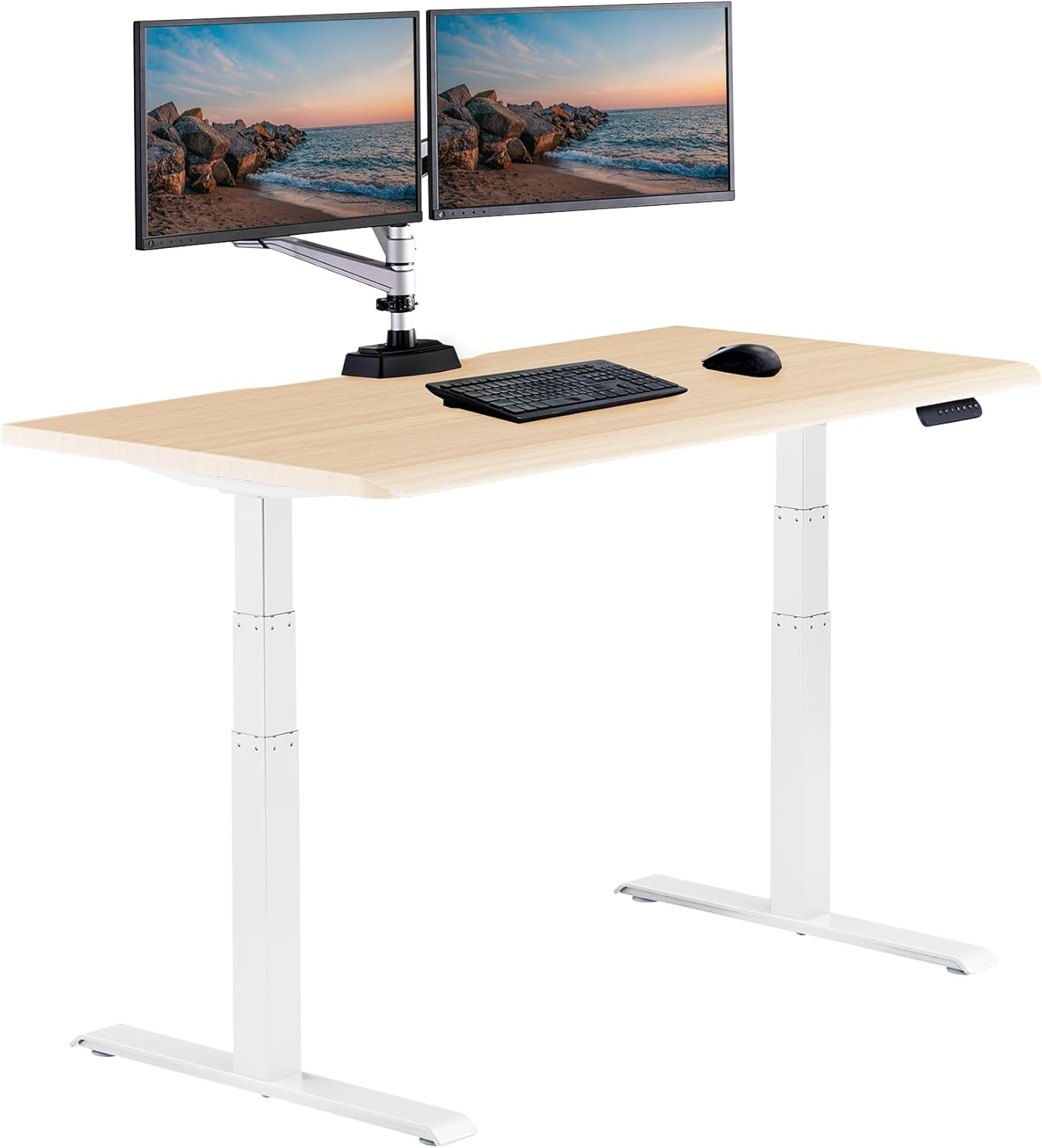


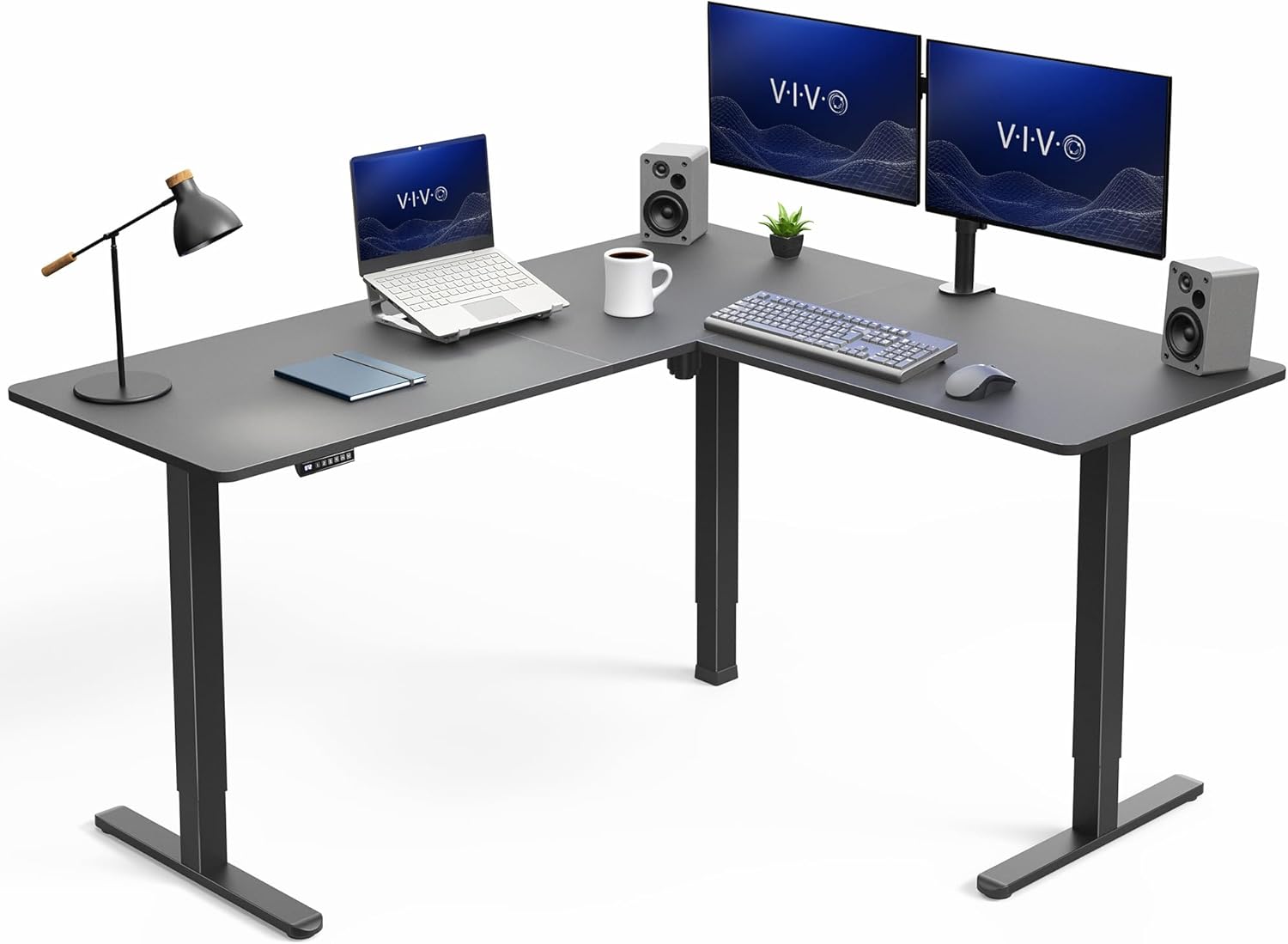
Quick Comparison
| Desk | Top | Height range | Load | Spare width, two 27 in screens | Best for |
|---|---|---|---|---|---|
| Vari 60×30 | 60 x 30 in (Vari) | 25 to 50.5 in (Vari) | 200 lb (Vari) | About 12.9 in | Two large screens, deep top |
| Vari ComfortEdge 60×30 | 60 x 30 in (Vari) | 25 to 50.5 in (Vari) | 200 lb (Vari) | About 12.9 in | Two screens, sloped front edge |
| VIVO 60×24 | 59 x 23.6 in (listing) | 29.3 to 48.5 in (listing) | 220 lb in title, 154 lb in spec field (listing) | About 11.9 in | Wide, shallow room |
| FlexiSpot E6 | 55.1 x 27.5 in (listing) | 23.6 to 48.8 in (listing) | 220 lb (listing) | About 8 in | Two screens up to 27 in |
| VIVO corner L-shape | 63 x 55.2 in outside (listing) | 28.5 to 46.8 in (listing) | 225 lb (listing) | Main side 63 in: about 15.9 in | Corner with angled screens |
Source: Vari product pages for entries marked Vari; Amazon listings for entries marked listing, checked November 2026. Spare width = top width minus 47.1 in, before bezels and arm clearance.
How We Chose
The job: a desk for one person with two monitors on arms and a laptop. Width came first. A 16:9 screen is diagonal x 16 / 18.36 wide, about 0.872 x diagonal, so a 24 in screen is about 20.9 in wide, a 27 in screen about 23.5 in, and a 32 in screen about 27.9 in. Two 27 in screens take about 47.1 in. We research and compare; we do not run our own product trials. Desk & Bench Scores are normalized buyer ratings, not editorial grades; see how they work.
Depth: OSHA says the preferred viewing distance is generally 20 to 40 in and a screen top at or below eye level. A 30 in top has 6.4 in more room than a 23.6 in top to place screens farther back; see monitor distance and monitor height. This is fit guidance, not medical advice; if you have pain or a health condition, talk to a qualified health professional.
Vari 60×30
- Vari lists a 60 x 30 in top 1.25 in thick, 25 to 50.5 in, 200 lb, and a lifetime non-transferable warranty against defects.
- Best for: two 27 in screens on arms with room for a laptop.
- Avoid if: your gear approaches 200 lb; Vari’s page does not say whether that includes the top.
Vari ComfortEdge 60×30
- Vari’s page lists a sloped front edge, 3-tier legs, four presets, 25 to 50.5 in, 200 lb, and a lifetime non-transferable warranty. It does not state a motor count; the Amazon listing says dual motors.
- Best for: a wide top with a softer front edge for keyboard work.
- Avoid if: you need a motor count confirmed by Vari.
VIVO 60×24
- The listing shows a 59 x 23.6 in top, a single motor, and 29.3 to 48.5 in. The title says 220 lb; the spec field says 154 lb.
- Best for: a room with width but little depth, using arms to free space.
- Avoid if: you need a 30 in deep top or a surface below 29.3 in.
FlexiSpot E6
- The listing gives a 55.1 x 27.5 in top, 23.6 to 48.8 in, 3-stage dual motors, and 220 lb. FlexiSpot’s own page does not name the E6, so confirm the load with FlexiSpot.
- Best for: two screens up to 27 in with a lower seated height.
- Avoid if: you plan two 32 in screens, which need about 55.8 in.
VIVO corner L-shape
- The listing shows a 63 x 55.2 in L-shaped top, a single motor, 28.5 to 46.8 in, and 225 lb. Two screens can angle toward the corner.
- Best for: a room corner and a return for a laptop.
- Avoid if: your corner is narrower than 63 in.
Arms, Weight, and Ownership
Check the arm against the top. VIVO’s STAND-V002 holds 13 to 30 in screens up to 22 lb each, accepts desks up to 3.25 in thick, and has a 3-year warranty. Two arms at 22 lb carry 44 lb, inside every load figure above; the lowest is 154 lb. See best monitor arms. Warranty: Vari lifetime per Vari; the VIVO listings show 3 years; the E6 listing shows 5 years on frame and motor.
Compatibility and Setup
Screens need VESA 75×75 or 100×100 for the arm above. Top thickness is 1.25 in for Vari, 1.1 and 0.72 in on the VIVO listings, and not stated for the E6. Plan cable slack for height changes; see cable management and dual monitor setup. For smaller rooms, read desks for small spaces.
FAQ
How wide a desk do two 27 in monitors need?
About 47.1 in for the screens alone. A 60 in top leaves about 12.9 in for bezels, arms, and a laptop; a 48 in top leaves about 0.9 in.
Is a standing desk needed for two monitors?
No. Any top of the width above works; a height-adjustable one adds a height range. See best standing desks and desk size guide.
Changelog: November 2026: first published.









