

For a few dozen prints on an iPhone, Photo Scan App by Photomyne and Pic Scanner Gold fit better than Google PhotoScan if you want several prints per capture; PhotoScan fits if you want a free app that also runs on Android 7.0 or later. For hundreds of prints, we expect an app to be the slower tool.
Quick Comparison
| App | Platform (store page) | Prints per capture | Stated output | Cost model | Best for |
|---|---|---|---|---|---|
| Photo Scan App by Photomyne | iPhone, iOS 17.6 or later | Several in one shot | Not stated | Free with in-app purchases | Albums of mixed prints |
| Pic Scanner Gold | iPhone and iPad, iOS 17.6 or later | Several, or one album page | 300 DPI | One-time purchase, no subscription | Local processing, date editing |
| PhotoScan by Google Photos | iPhone, iOS 15.0 or later; Android 7.0 or later | One photo per capture sequence | Not stated | Free | Glare removal, no cost |
Source: App Store listings, Google Photos Help, and photomyne.com, checked November 2026.
How We Chose
The job is our own assumption: digitizing about 50 loose 4 x 6 in prints on a current iPhone, with files you can copy off the phone. We read each store listing and the maker’s help or product page. We left out apps whose pages we could not open. We research and compare; we do not run our own product trials. See how we choose. Phone apps are not sold on Amazon, so there are no Desk & Bench Score cards for them; the one hardware card below is for readers who outgrow an app.
Photo Scan App by Photomyne
The App Store lists it as free with in-app purchases and says it scans multiple printed photos in a single shot. Photomyne’s site adds auto detect and crop, auto rotate, perspective correction, digital albums, and viewing on a PC, and lists AI restoration as extra credits. It mentions a 3-day free trial on the yearly plan and does not state a free-tier limit. Where scans are stored is not stated on either page.
Best for: an album of mixed prints captured a few at a time. Avoid if: you refuse subscriptions; the App Store lists auto-renewing terms.
Pic Scanner Gold
The App Store lists a one-time purchase with no subscription, no in-app purchases, 300 DPI scans, several photos or a whole album page per capture, and batch editing of EXIF dates and locations. It says all processing happens on the device and that it is not designed for film negatives or slides.
Best for: prints only, kept on the phone, with dates fixed in bulk. Avoid if: you also have slides or negatives.
PhotoScan by Google Photos
Google’s help page describes moving the circle over each of 4 dots, and says scans save to your device automatically. Glare removal can be turned off to scan faster, but then it “won’t remove glare.” The App Store lists it as free, iOS 15.0 or later, version 1.7 dated 11/21/2022, and the help page lists Android 7.0 or later. Neither page states a retirement.
Best for: a free first try on iPhone or Android. Avoid if: you have dozens of prints; the steps describe one photo at a time.
Cost and File Size
Three-year cost = the one-time price, or the yearly plan price x 3. Check the in-app screen for the current figure; we do not copy store prices. PhotoScan is listed as free.
Pixels needed = print long side in inches x 300, so a 4 x 6 in print needs 6 x 300 = 1,800 pixels on its long side, the 300 ppi starting point from a Library of Congress blog post. Only Pic Scanner Gold states a figure (300 DPI); open your first saved file and read its pixel size for the others. Apple’s Notes and Files scanner page covers documents and does not mention photos.
Compatibility
| App | iPhone | Android | Negatives and slides |
|---|---|---|---|
| Photomyne | iOS 17.6 or later | Android download badge on photomyne.com; version not stated | Separate apps (SlideScan, FilmBox) per its site |
| Pic Scanner Gold | iOS or iPadOS 17.6 or later | Not listed on its App Store page | Not supported, per listing |
| PhotoScan | iOS 15.0 or later | Android 7.0 or later | Help page covers printed photos; negatives and slides not mentioned |
Source: store listings, Google Photos Help, and photomyne.com, checked November 2026.
When an App Is Not Enough
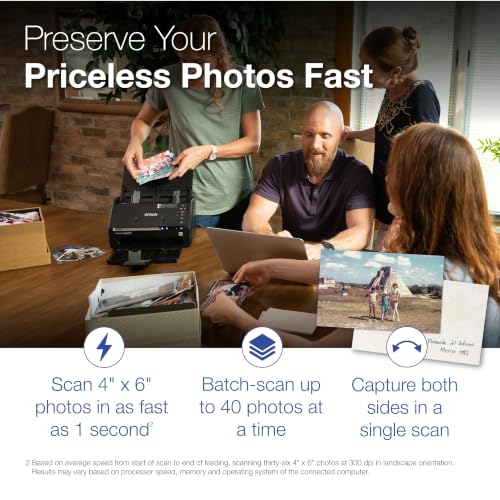
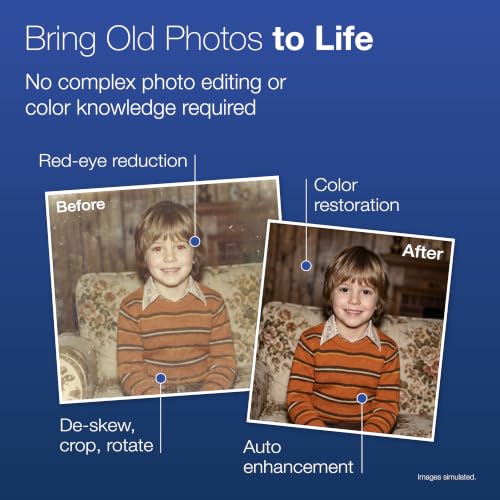
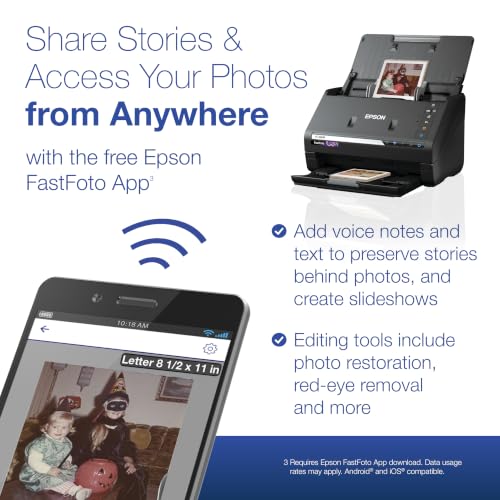
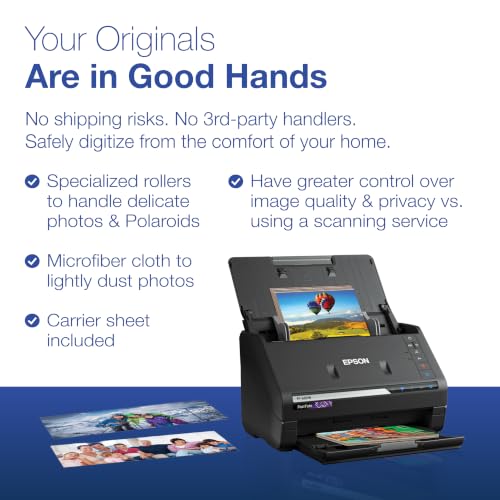
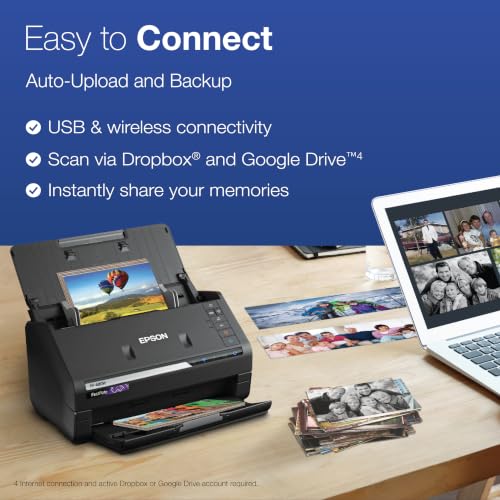
Past a few dozen prints, a sheet-fed scanner can save time; photo scanner vs phone app works the numbers. Epson lists 36 photos per load for this model, and our photo scanner guide compares others.

Epson FastFoto FF-680W High-Speed Duplex Photo


As an Amazon Associate we earn from qualifying purchases. Product prices and availability are accurate as of the date/time indicated.
FAQ
Can an app match a scanner for quality?
Only Pic Scanner Gold states a figure (300 DPI), so compare the pixel size of your own files with the 1,800 pixels a 4 x 6 in print needs at 300 ppi. Google’s help page says to avoid tilting the phone and describes glare removal. See scanning photos with a phone and what DPI to scan photos at.
Is Google PhotoScan still available?
Its App Store listing and Google Photos Help page were both open when we checked, and neither states a retirement. Check the store on your phone before you plan around it.
What do I do with the files afterward?
Name them, keep two copies, and follow how to digitize old photos. More guides are in Scanners.
Changelog: November 2026: first published.









