

Pick the ScanSnap iX2500 if your scanning runs through ScanSnap Home and nothing asks for a TWAIN driver; pick the Epson WorkForce ES-590W if your document software needs one. We research and compare; we do not run our own product trials.

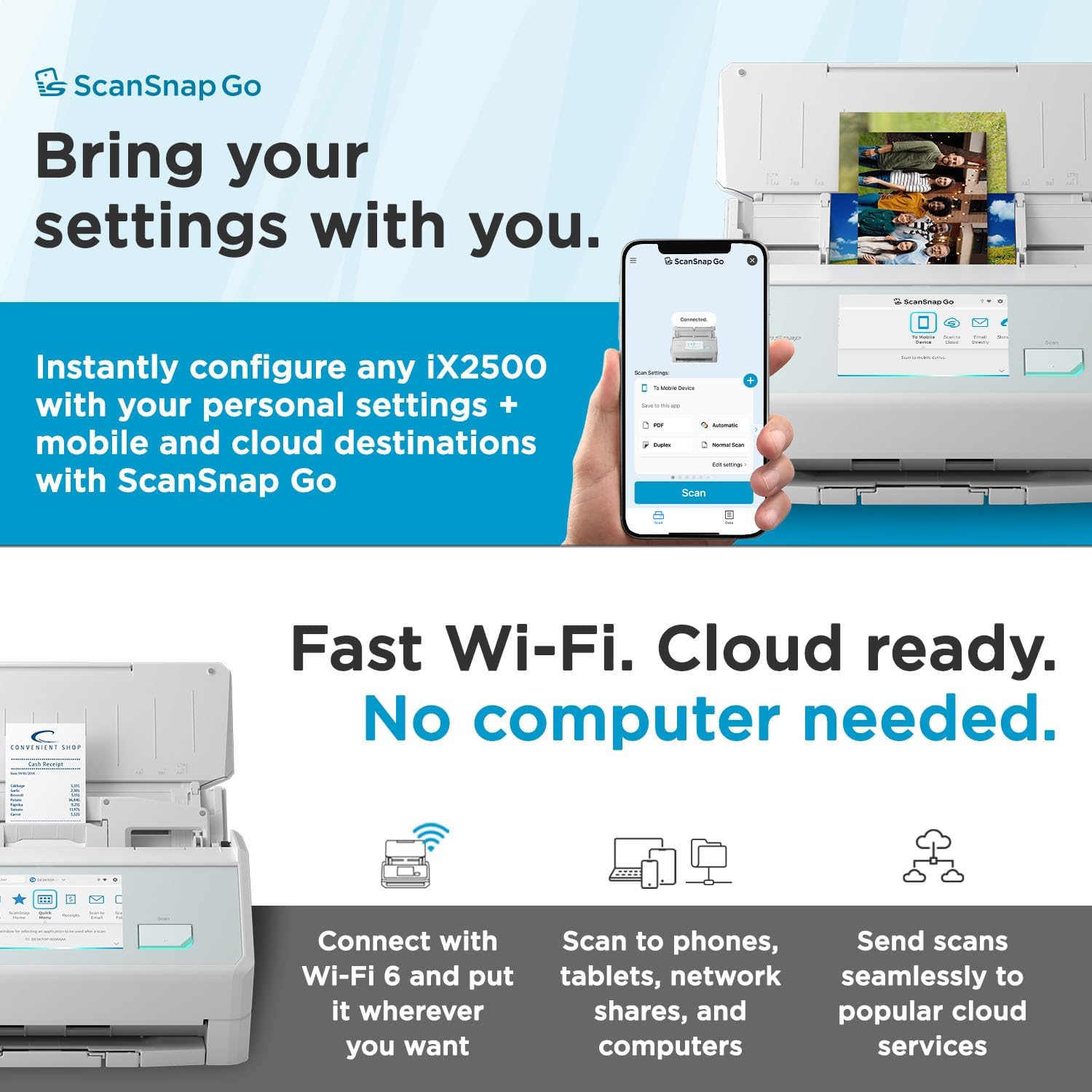
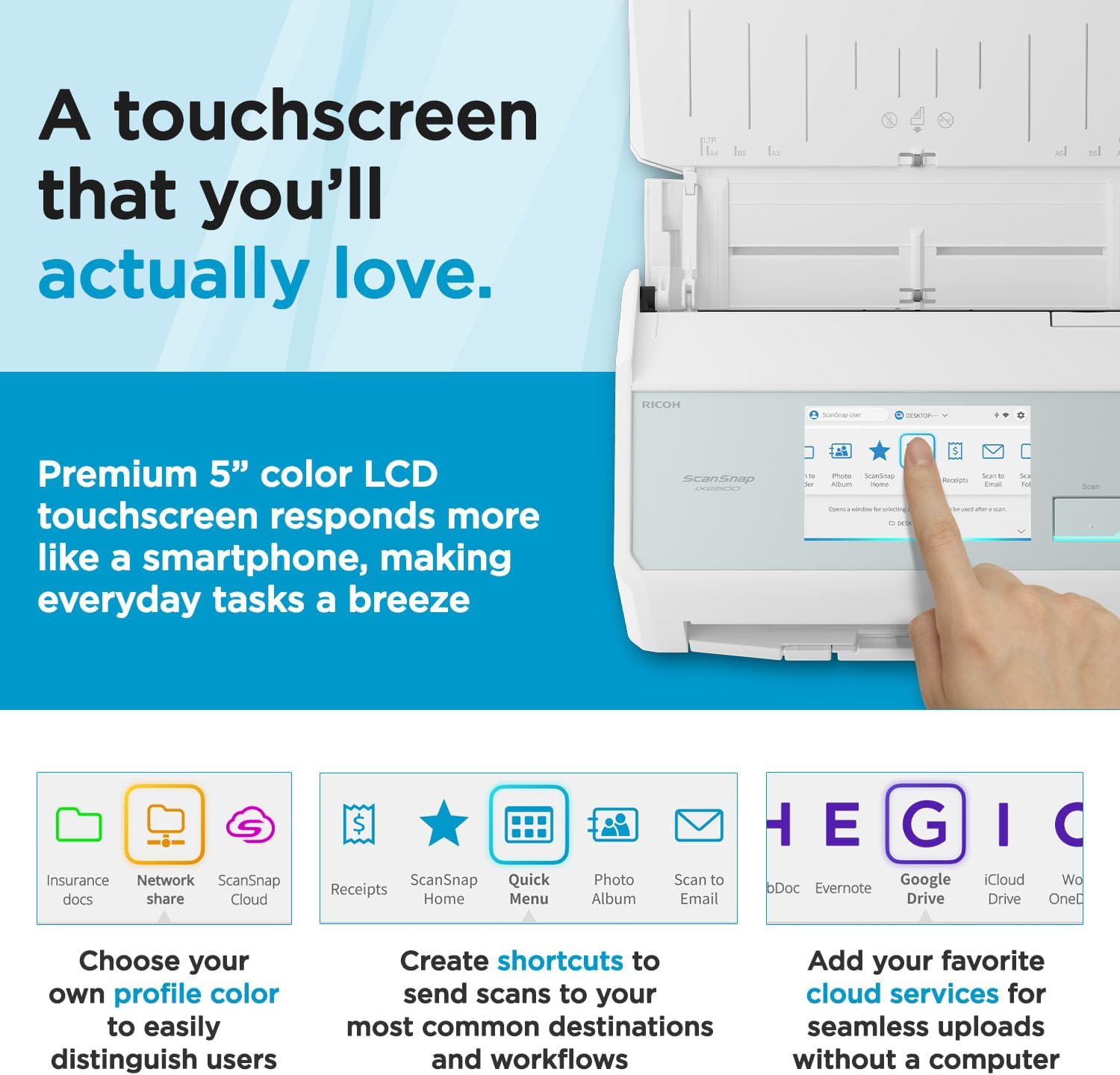
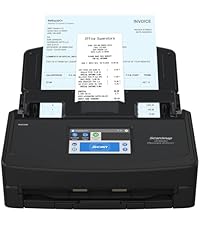
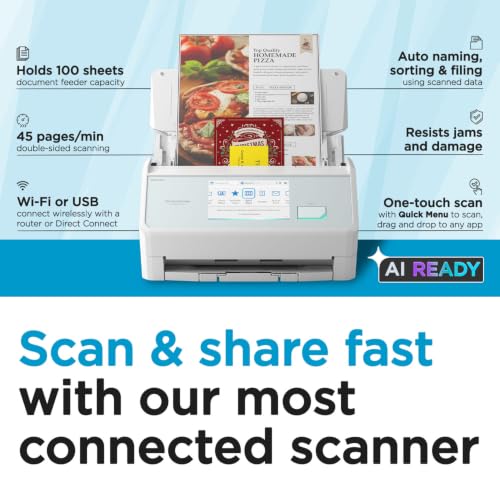
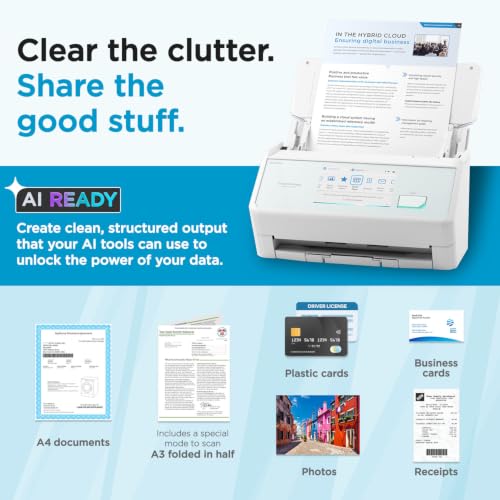
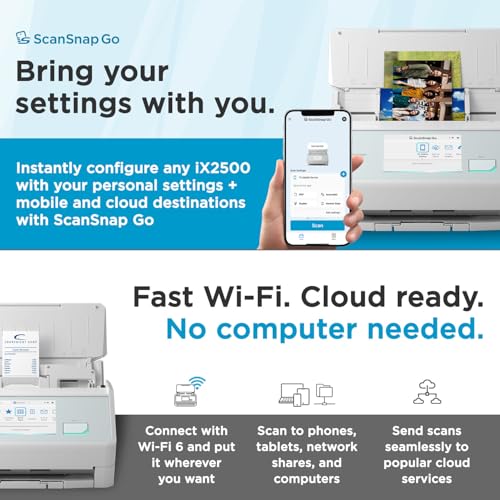
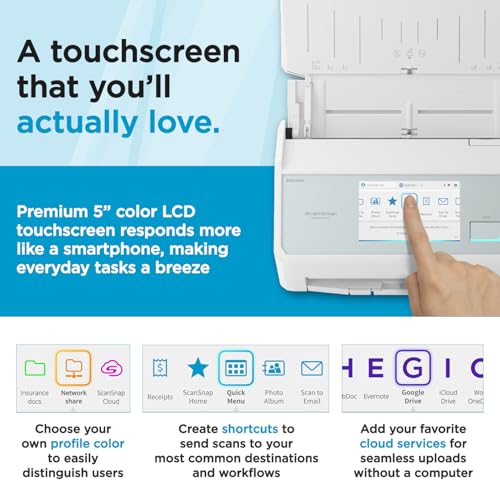
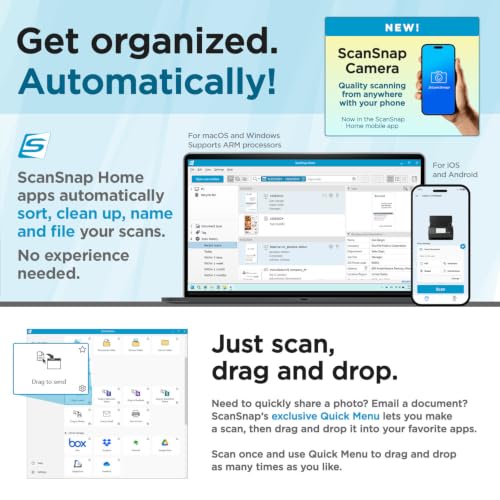
ScanSnap iX2500 Wireless or USB High-Speed










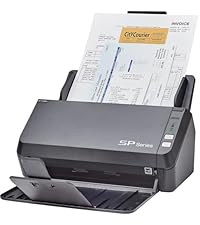
As an Amazon Associate we earn from qualifying purchases. Product prices and availability are accurate as of the date/time indicated.

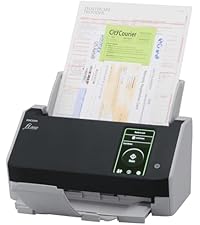
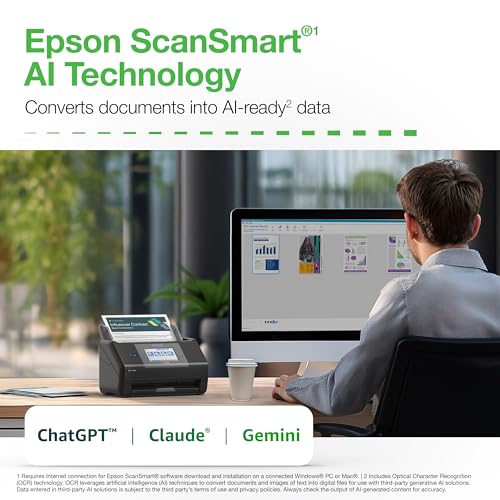
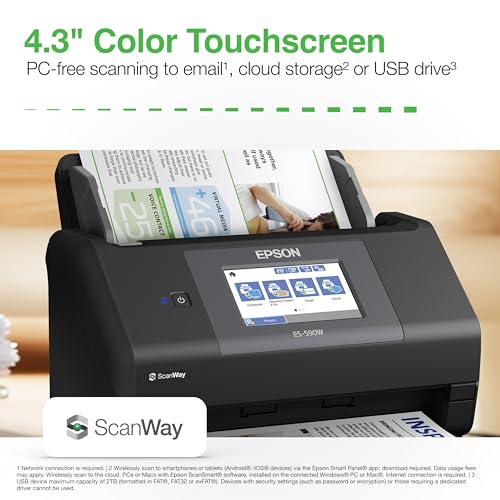
Epson Workforce ES-590W Wireless & USB High-Speed


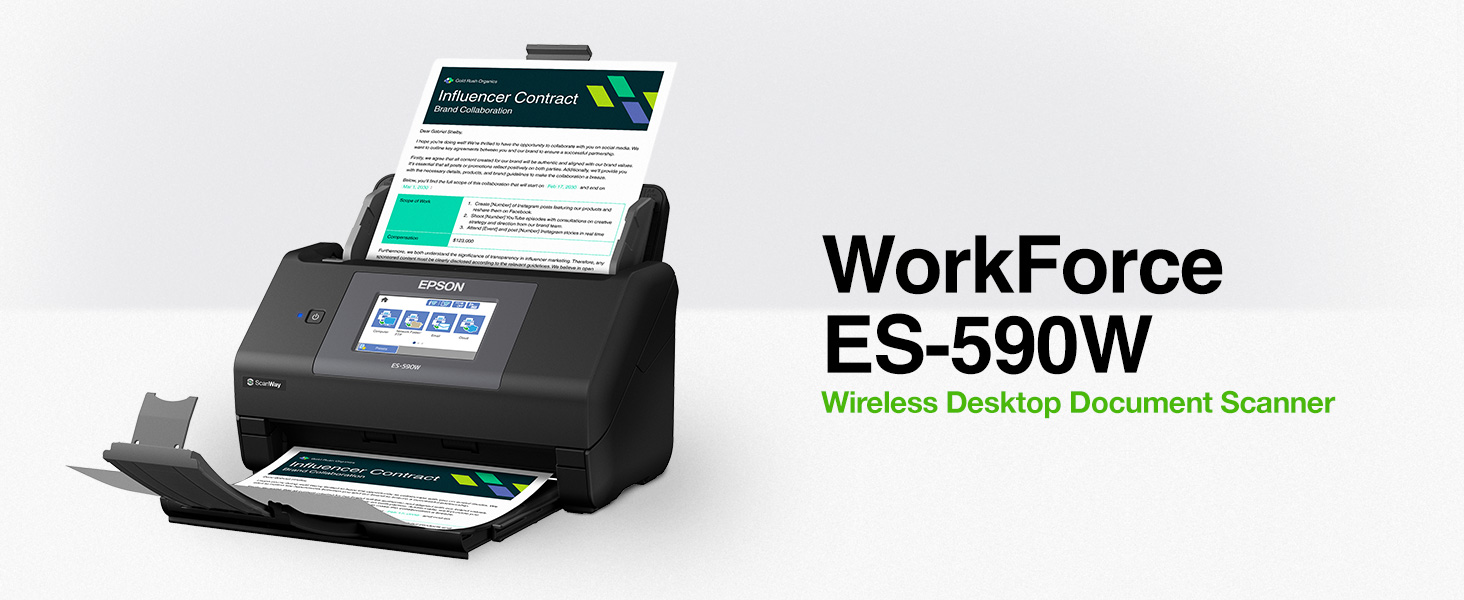
As an Amazon Associate we earn from qualifying purchases. Product prices and availability are accurate as of the date/time indicated.
| Spec | ScanSnap iX2500 | Epson WorkForce ES-590W |
|---|---|---|
| Feeder | 100 sheets (A4, 80 g/m2 or 20 lb) | 100 sheets, single-pass duplex |
| Rated speed | 45 ppm in Auto mode | 45 ppm, letter size at 300 dpi, over USB |
| Optical resolution | 600 dpi | Not on the page; the listing says 600 dpi |
| Connection | USB-C, Wi-Fi (802.11a/b/g/n/ac/ax) | Wi-Fi and USB |
| Windows | 11 / 10 (32-bit / 64-bit) | ARM-based Windows support named; versions not stated |
| macOS | Monterey 12 or later | ScanSmart on a Mac; versions not stated |
| TWAIN | Not supported on Windows or macOS; no ISIS on Windows | TWAIN-compatible; ISIS not mentioned |
| Daily duty cycle | Not stated | Not on the page, which points to a spec PDF we did not open |
| Warranty | No term on the page; the listing says 1 year | 1-year limited warranty |
Source: Ricoh PFU’s iX2500 page, epson.com’s ES-590W page, and the Amazon listings for the two ASINs, checked November 2026. ScanSnap pages are hosted by Ricoh PFU.
Driver support: the clearest split
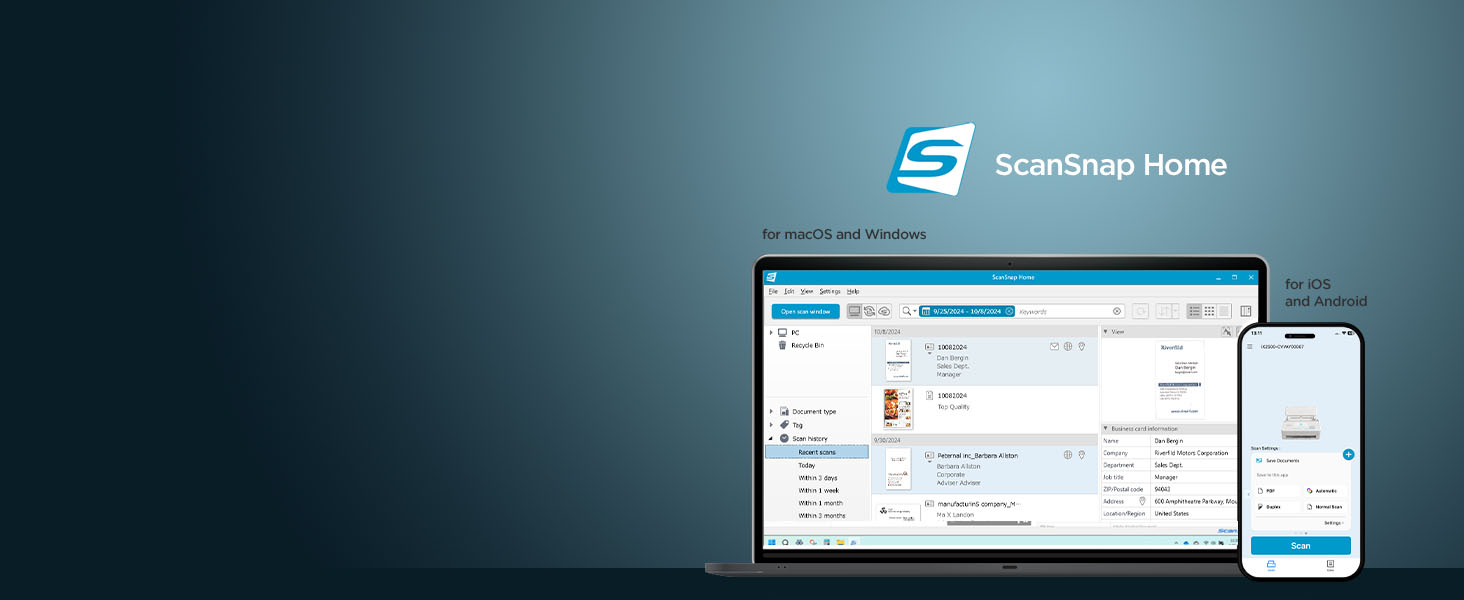
PFU lists “ScanSnap Home (ScanSnap specific driver)” and says the iX2500 “Does not support TWAIN/ISIS” on Windows and does not support TWAIN on macOS. Epson’s ES-590W page describes a TWAIN-compatible driver for scanning straight into other applications and does not mention ISIS. If your accounting or records software has a “Scan from TWAIN source” button, that line settles the choice.
Bundled software and text recognition
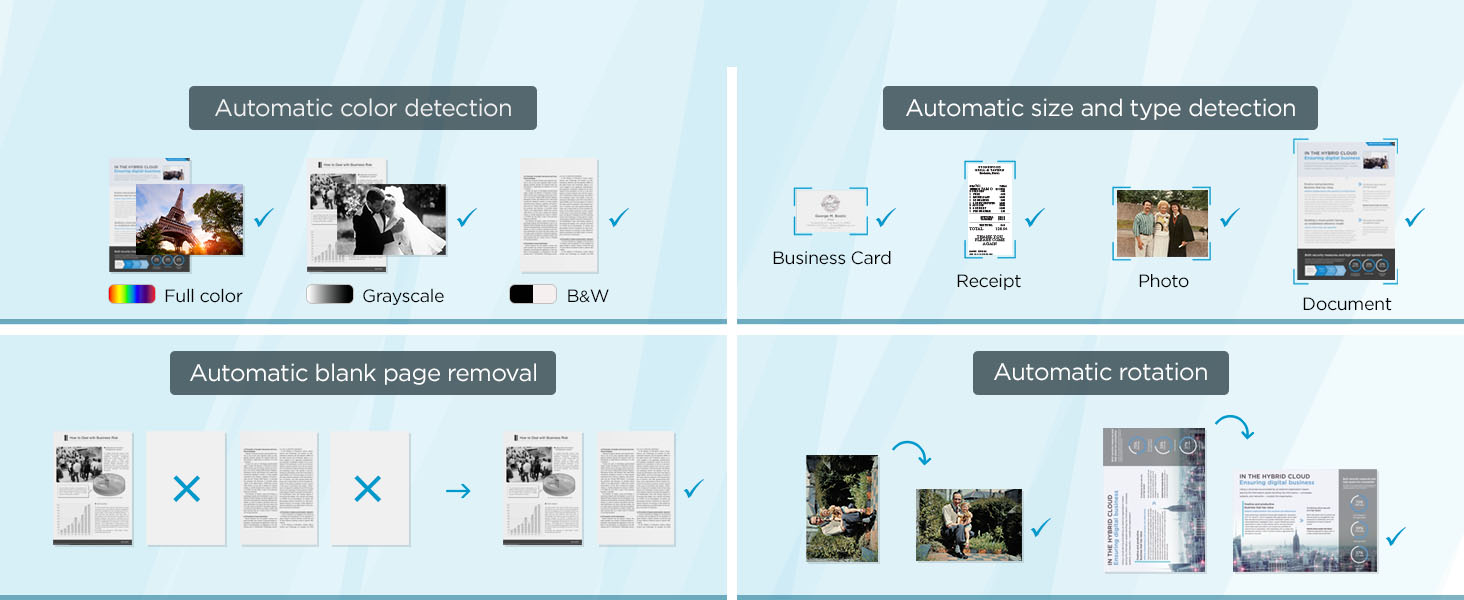
PFU says ScanSnap Home can produce searchable PDFs, and it lists conversion to editable Word, Excel, or PowerPoint files. Epson says the ES-590W includes OCR technology and lists scanning to PDF, Word, and Excel, with Word, Excel, and PowerPoint on Windows only and Word and Excel on Mac. Epson also says scanning directly to PDF needs Tungsten Power PDF software; the page does not say it ships in the box. Detail on text recognition is in OCR scanning.
Operating system lists
PFU names Windows 11 and 10 and macOS Monterey 12 or later, and says the iX2500 is not supported on ARM-based Windows 10. Epson’s page names ARM-based Windows but no Windows 11 or macOS version, so confirm your version on Epson’s support page before buying.
Speed is close to a tie
Both makers rate 45 ppm, under different conditions: Auto mode for PFU, letter pages at 300 dpi over USB for Epson. Rated time = pages / pages per minute, so 1,000 pages / 45 = about 22 minutes for either. PFU adds that speeds may vary with the system environment.
Choose the ScanSnap iX2500 if
- Windows 11 or a current Mac is stated on the maker’s page for your computer, and you want ScanSnap Home, which PFU says recommends file names from text found on your scans.
- No program you use needs TWAIN or ISIS.
- You want the 802.11ax Wi-Fi standard PFU lists.
Choose the Epson ES-590W if
- Your document management software asks for a TWAIN source.
- You want Office-format output and accept Windows-only PowerPoint.
- You will check Epson support for your exact Windows or macOS version first.
FAQ
Can the ScanSnap iX2500 work with TWAIN software?
PFU’s page says it does not support TWAIN on Windows or macOS, and does not support ISIS on Windows. Its own ScanSnap Home software is the listed driver.
Which is better for a Mac?
PFU states macOS Monterey 12 or later; Epson’s page names no macOS version. For scans in bulk, see best document scanners and best document scanners for Mac.
Changelog: November 2026: first published.









