

A clear video call setup needs three things in this order: a light in front of your face, a webcam at eye level, and a microphone close to your mouth. The build below pairs a Logitech webcam, a key light, and a USB microphone on a desk that is already in place.
These picks come from spec sheets, listings, and public owner feedback, not from units we handled; we do not run our own product trials. The method page lists our sources.
Placement diagram
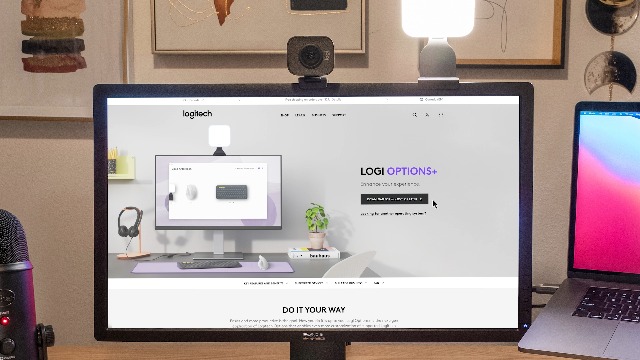
- Camera: centered on top of the screen you look at during calls, with the lens near eye level. Our monitor height guide gives OSHA’s rule that the top of the screen sits at or below eye level.
- Light: in front of you, aimed at your face, not behind you. A bright window behind you makes the camera expose for the window.
- Microphone: on the desk, off to one side of the keyboard so typing is not directly beside it. Distance is not set by any maker figure we could confirm, so move it closer until the meter in your call app shows a steady level.
The parts
| Role | Pick | Key figures | Source of the figures |
|---|---|---|---|
| Camera | Logitech C920x HD Pro | 1080p lens and dual built-in mics (Logitech setup guide); 30 fps and no privacy shutter (Amazon listing) | Logitech C920x setup guide; Amazon listing |
| Budget camera | Logitech Brio 101 | 1080p at 30 fps, mono built-in mic, integrated privacy shutter; Windows 10 and higher, macOS 10.15 and higher, ChromeOS | Logitech Brio 101 specification page |
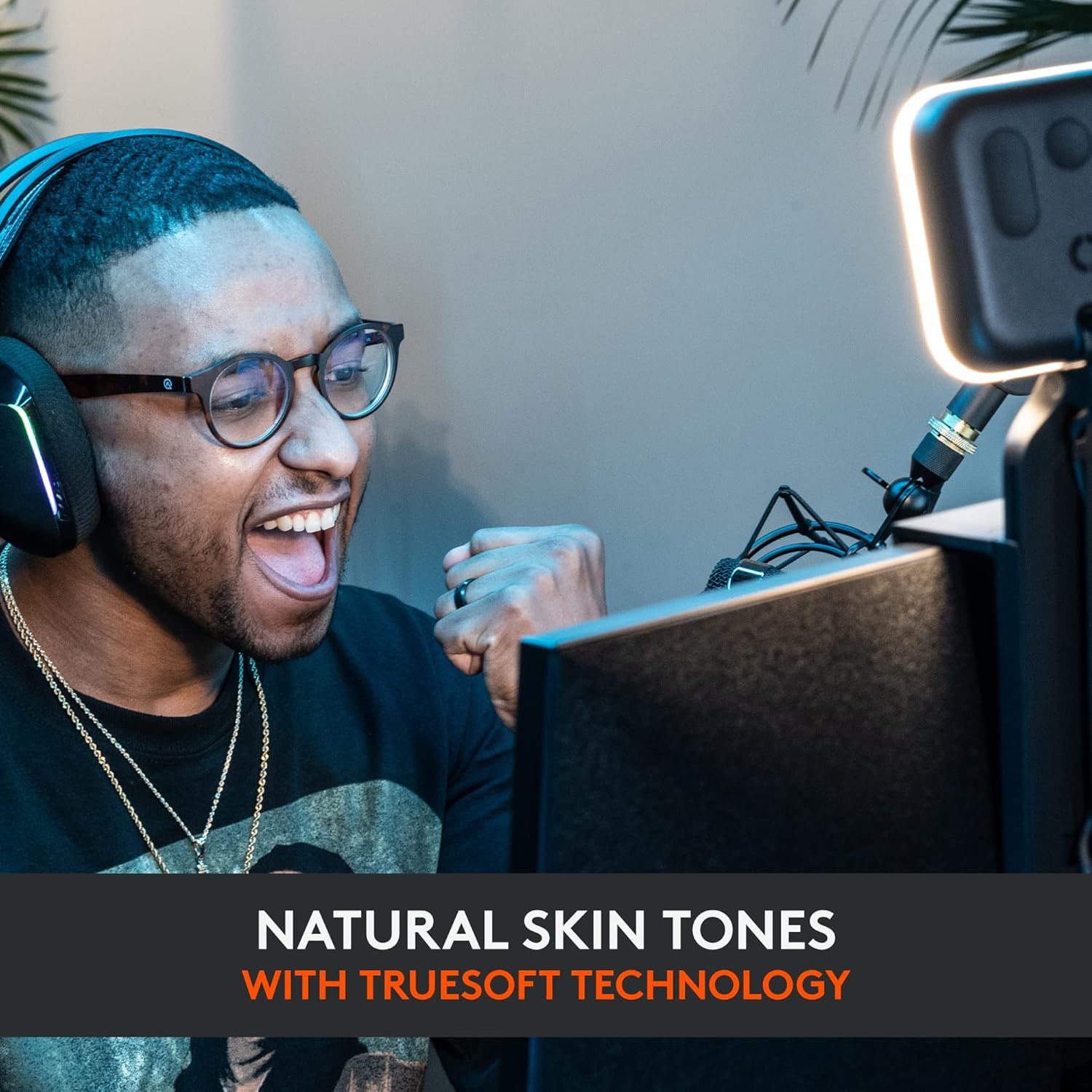
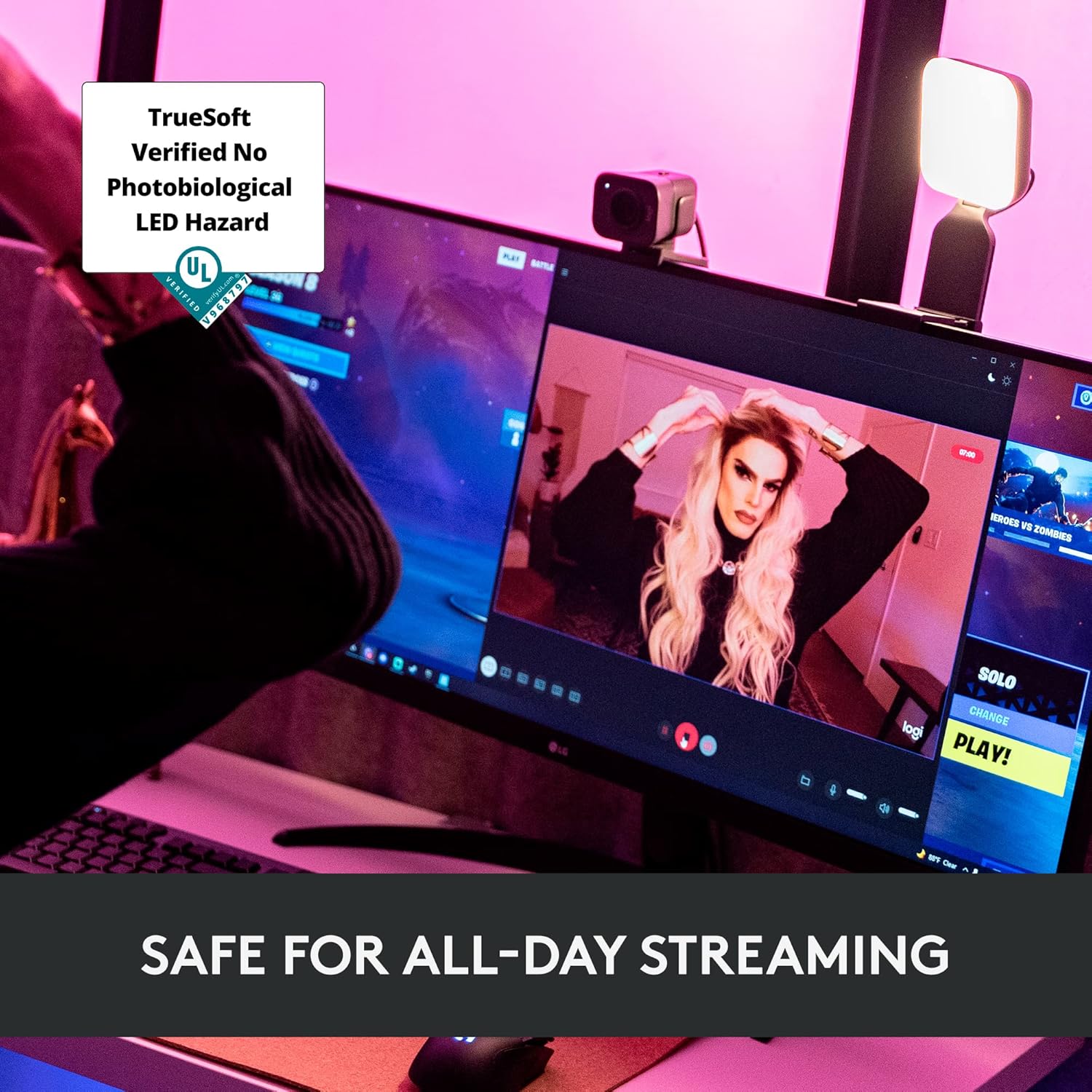
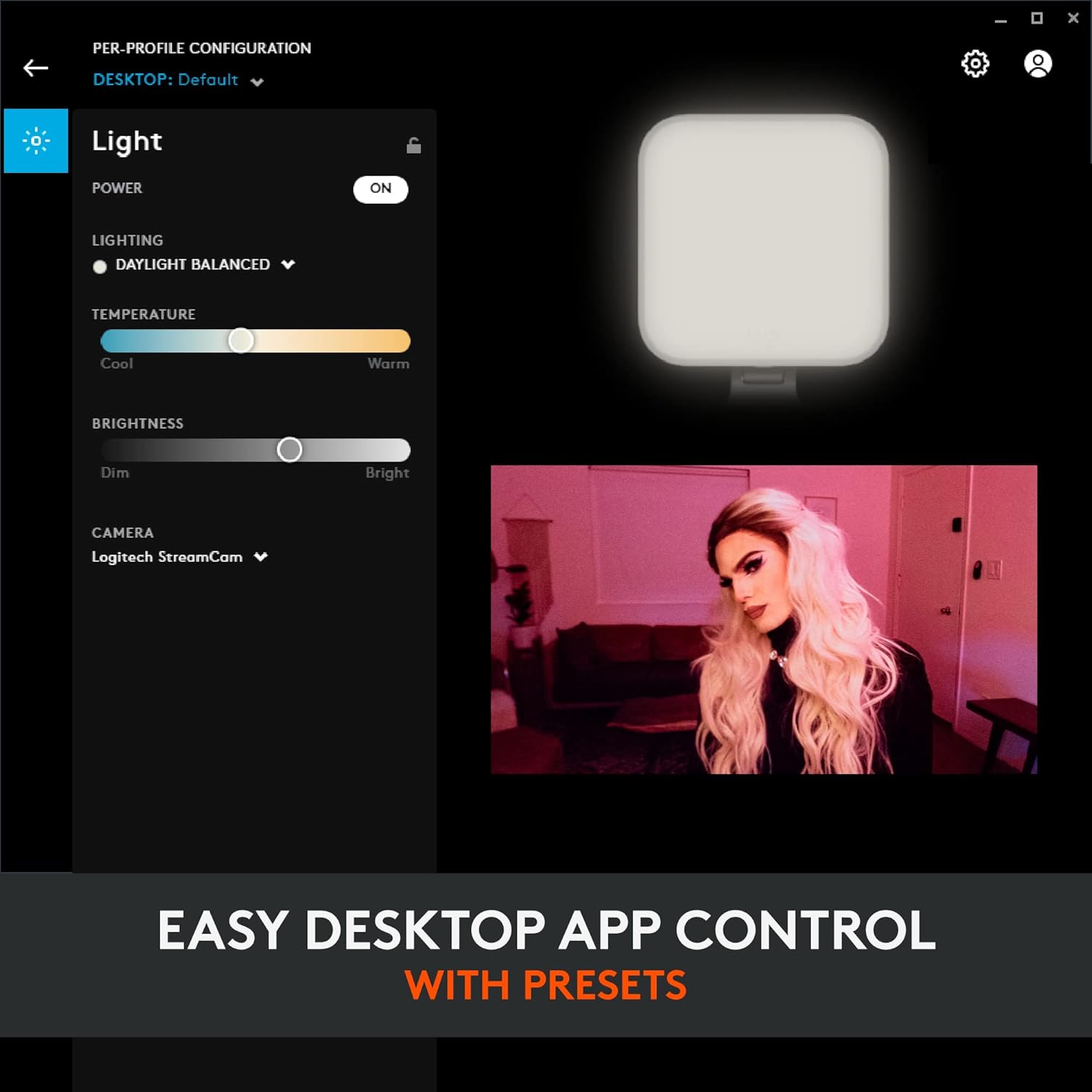
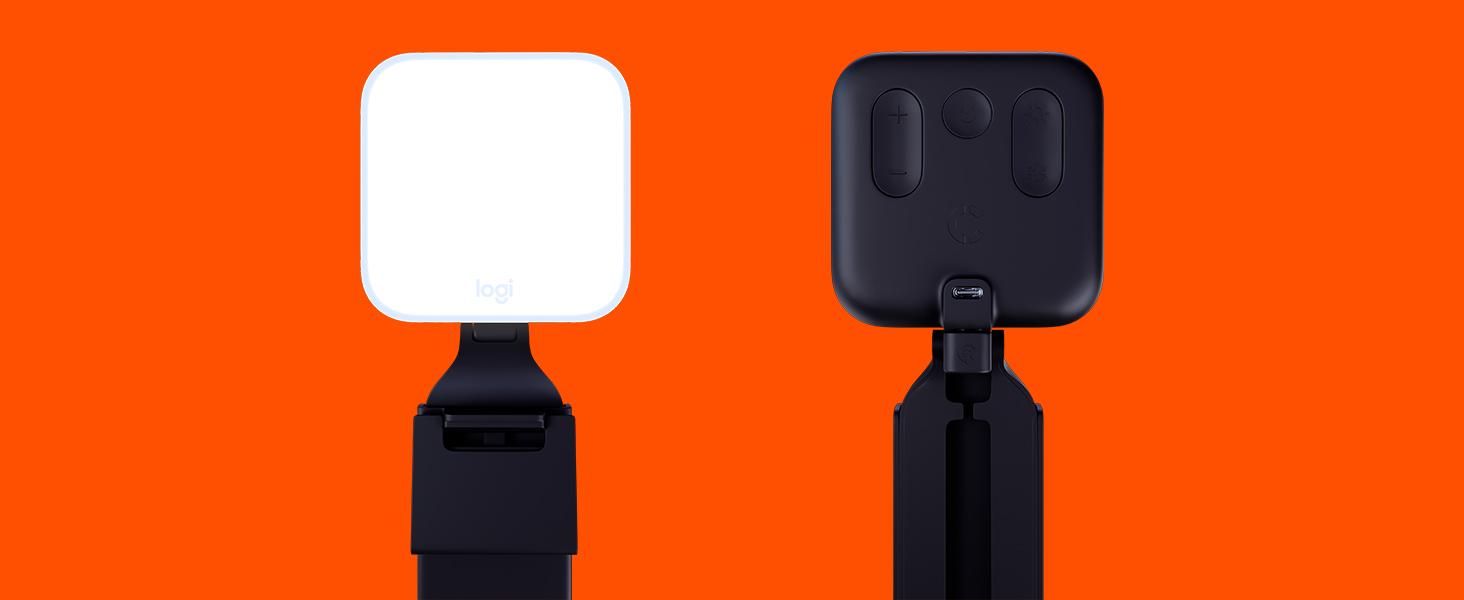
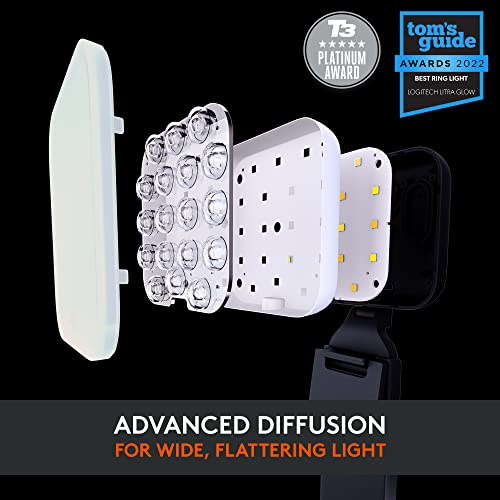
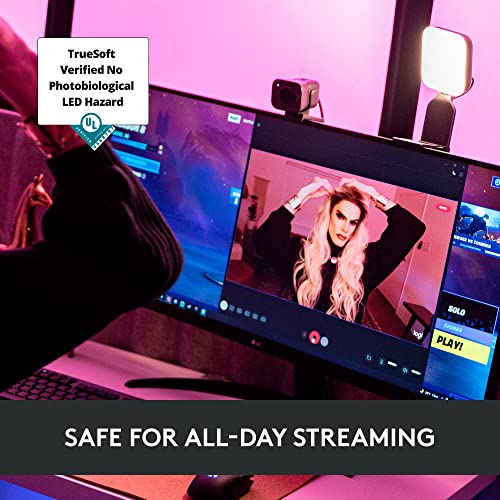
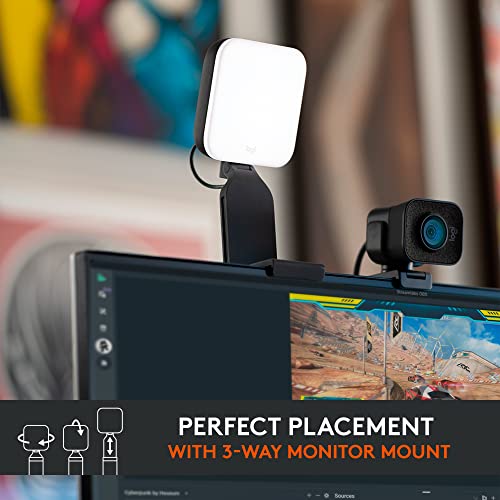
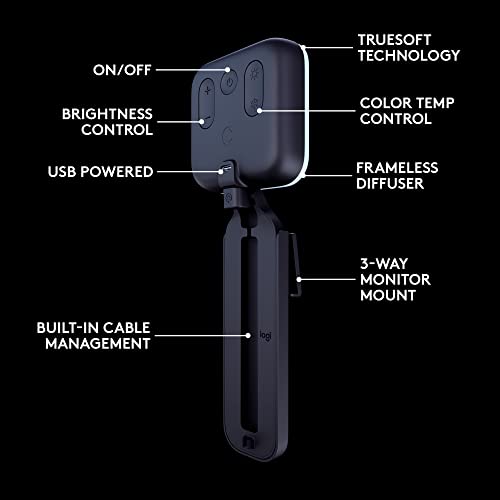
| Light | Logitech Litra Glow | Full-spectrum LED, settings set in Logitech G HUB, monitor mount | Logitech product page and listing |
| Microphone | Logitech Blue Yeti | USB, four pickup patterns (cardioid, bidirectional, omnidirectional, stereo); onboard mute and gain | Logitech product page; mute and gain from Amazon listing |
Source: Logitech product, specification, and setup pages and Amazon listings, checked November 2026. Maker list prices could not be confirmed from pages we could open, so none appear here; check each maker’s page before you buy.

Logitech for Creators Litra Glow Premium LED








As an Amazon Associate we earn from qualifying purchases. Product prices and availability are accurate as of the date/time indicated.
Where to save and where not to
Save on the camera: both Logitech models are 1080p. The Brio 101 has an integrated privacy shutter, while the C920x listing says it has none. Do not skip the light. Lighting is worth fixing before any camera upgrade, and a light aimed at your face does that.
Pick the microphone by room. The Yeti offers four pickup patterns, and cardioid is the one aimed at a single voice in front of the mic. If your webcam mic already sounds fine to the people on the call, the Yeti is the item to leave out.
Upgrade later
- A monitor light bar such as the BenQ ScreenBar Pro in our dual monitor build, if you also want even light across the desk surface.
- A monitor arm to set the screen top at or below eye level with the camera close to it; see monitor distance for the 20 to 40 in range OSHA gives.
- A tidier desk using small home office layouts.
This is fit guidance, not medical advice; if you have pain or a health condition, talk to a qualified health professional before choosing equipment.
FAQ
Do I need an external webcam?
Only if your built-in camera sits low or looks dim. An external camera lets you put the lens at eye level on a monitor.
Which light goes with which camera?
Any of them. The Litra Glow is controlled through Logitech G HUB, so confirm your operating system is supported on Logitech’s page. More basics are in the home office setup checklist and our budget setups.
Changelog: November 2026: first published.









