For a first printer, look for automatic bed leveling and a pre-assembled body, then check what support the maker points to. Our first pick is the Bambu Lab A1: its listing is titled for beginners and says “Full-Auto Calibration,” including Z-offset and bed leveling. Bambu Lab’s wiki confirms auto bed leveling for it. Maker pages opened for Creality, ELEGOO and the Bambu Lab wiki. No Bambu Lab main-site page could be opened for this check.



Quick Comparison
| Printer | Leveling wording | Assembly wording | Software named | Support wording |
|---|---|---|---|---|
| Bambu Lab A1 | “Full-Auto Calibration” (listing); auto bed leveling (Bambu Lab Wiki) | Not in listing | Bambu Studio (Bambu Lab Wiki) | Not stated |
| Bambu Lab A1 mini | Automatic calibration (listing); auto bed leveling (Bambu Lab Wiki) | “simple setup” (listing) | Bambu Handy, MakerWorld (listing) | Not stated |
| Creality Ender 3 V3 SE | CR Touch and strain sensors (Creality) | “Hassle-Free Assembly” (Creality page title) | None on Creality page | Up to 12-month warranty (Creality) |
| ELEGOO Centauri Carbon | Auto bed leveling (listing); “Full-Auto Calibration” (ELEGOO page) | “fully assembled and pre-calibrated” (listing) | ElegooSlicer (recommended), Orca, Cura (ELEGOO spec table) | 12-month entry for new machines (ELEGOO page) |
Sources: Creality store page, Bambu Lab Wiki, ELEGOO product page, and Amazon listings, checked November 2026. “Not stated” means the source we opened says nothing; it does not mean the maker offers none.
How We Chose
The job: a first-time buyer who wants to reach a first print without calibrating by hand. We ranked ease and support wording over speed or volume, using the maker page where it opened and the listing otherwise. We research and compare; we do not run our own product trials. The Desk & Bench Score on each card reflects verified buyer ratings only. See How We Choose.
Our Picks
Bambu Lab A1
The listing says the printer takes care of “all the calibration processes automatically,” has a touchscreen, and has a 1-Clip quick-swap nozzle. Bambu Lab’s wiki says there should be no need to level the heatbed manually. Multi-color needs AMS lite: “get A1 Combo or buy AMS lite separately.” It lists 10 kg and 21.76 x 20.83 x 12.87 in.
Best for: a first printer where the listing promises full calibration and the wiki describes auto bed leveling.
Avoid if: you want ABS or ASA for large parts; Bambu Lab’s wiki calls the A1 open-frame and advises against those materials for large or high-infill models.
Bambu Lab A1 mini
This SKU is the A1 mini with an LED lamp kit. The listing calls it designed for beginners, with automatic calibration and simple setup, and names the Bambu Handy app and MakerWorld. Bambu Lab’s wiki gives a 180 x 180 x 180 mm maximum print size. The listing gives 5.5 kg.
Best for: a small first printer with an app.
Avoid if: you need more than 180 mm per side, the wiki’s stated print size.
Creality Ender 3 V3 SE
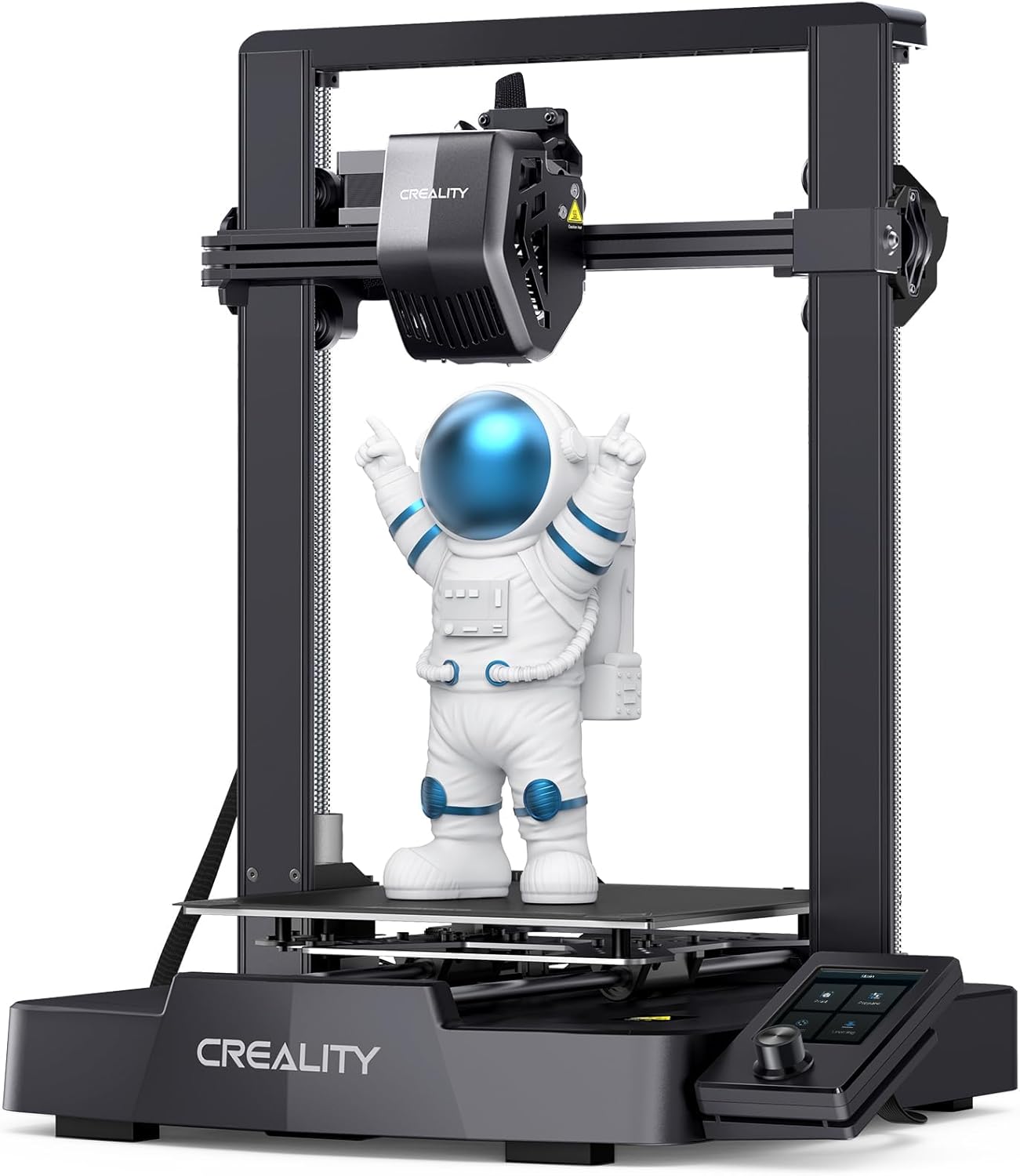
Creality’s page says CR Touch and strain sensors handle “auto leveling and Z offset,” and its page title reads “Hassle-Free Assembly.” The listing claims three assembly steps and 20 minutes to first print. Creality lists up to 12 months of warranty and points to its Creality Wiki for printer details.
Best for: a maker page that confirms leveling and warranty and describes assembly as hassle-free.
Avoid if: you want a closed chamber; the page does not mention one.
ELEGOO Centauri Carbon
The listing says it arrives fully assembled and pre-calibrated, with auto bed leveling, a touchscreen, and a built-in camera. ELEGOO’s page says “Print Right Out of the Box,” names Full-Auto Calibration, a chamber camera, and a 256 x 256 x 256 mm volume, and lists a touch screen and spool holder adapter in the box; the assembled and pre-calibrated wording is the listing’s.
Best for: a larger volume that arrives assembled.
Avoid if: you want assembly steps spelled out; neither the listing nor ELEGOO’s page gives them.
Auto Leveling and the First Layer
Auto leveling measures the bed for you. Our bed leveling guide explains that probe printers still need the first layer height set. Printers without one need the paper method; none of these four relies on it.
Slicer and Software
A slicer turns a model into layers; see our slicer guide. Bambu Lab’s wiki names Bambu Studio as the slicer for the A1, and the A1 mini listing names Bambu Handy and MakerWorld. ELEGOO’s spec table for the Centauri Carbon names ElegooSlicer (recommended), Orca and Cura. The Creality page names no slicer for the Ender 3 V3 SE, so check Creality’s download page.
What to Buy With It
Plan on filament, and on AMS lite if you want multi-color on an A1. We did not confirm Bambu Lab’s warranty terms. See our 3D printing guide for the rest.
FAQ
Do I need an enclosed printer to start?
Prusa’s warping article, written for Prusa printers, says “Printing PLA or PETG in an enclosure might not be a good idea.” Bambu Lab’s wiki says PLA suits open-frame or enclosed printers. Our reading: a first printer for PLA does not need one.
Do I still level the bed by hand?
The sources above describe automatic leveling or calibration for every pick. Bambu Lab’s wiki says there should be no need to level the A1 or A1 mini heatbed manually; the Creality and ELEGOO pages do not mention manual leveling.
Which one is easiest?
No source ranks ease. Our order follows how directly each source ties auto calibration, assembly, and beginner positioning to the model.
Changelog: November 2026: first published.