

Choose the QL-800 if one Windows or Mac computer on USB is enough, the QL-810W if you want Wi-Fi and Wi-Fi Direct without Ethernet or Bluetooth, and the QL-820NWB if you want Ethernet, Bluetooth, a USB host port, and a built-in screen. All three list the same 62 mm (about 2.4 in) maximum label width and a 2 year limited warranty on Brother’s pages.

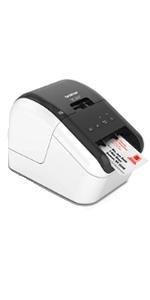
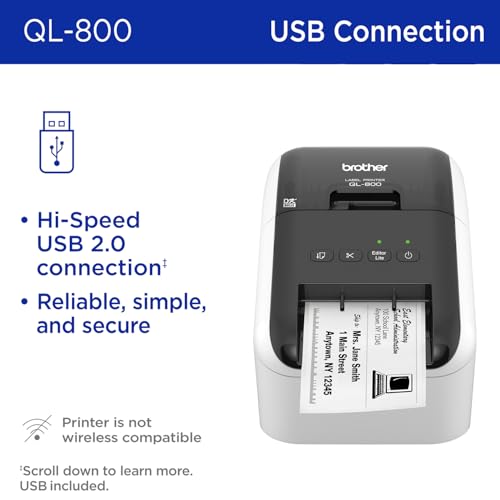
Brother QL-800 High-Speed Professional Printer




As an Amazon Associate we earn from qualifying purchases. Product prices and availability are accurate as of the date/time indicated.

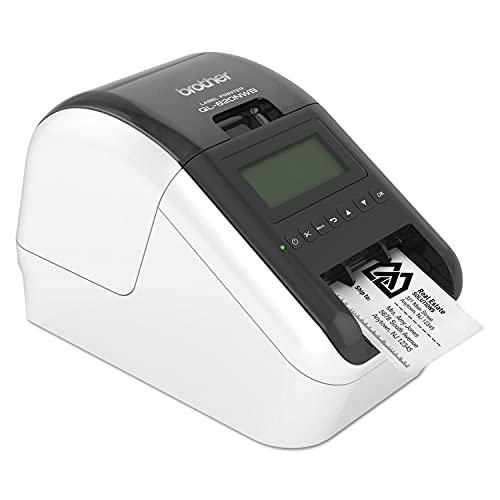
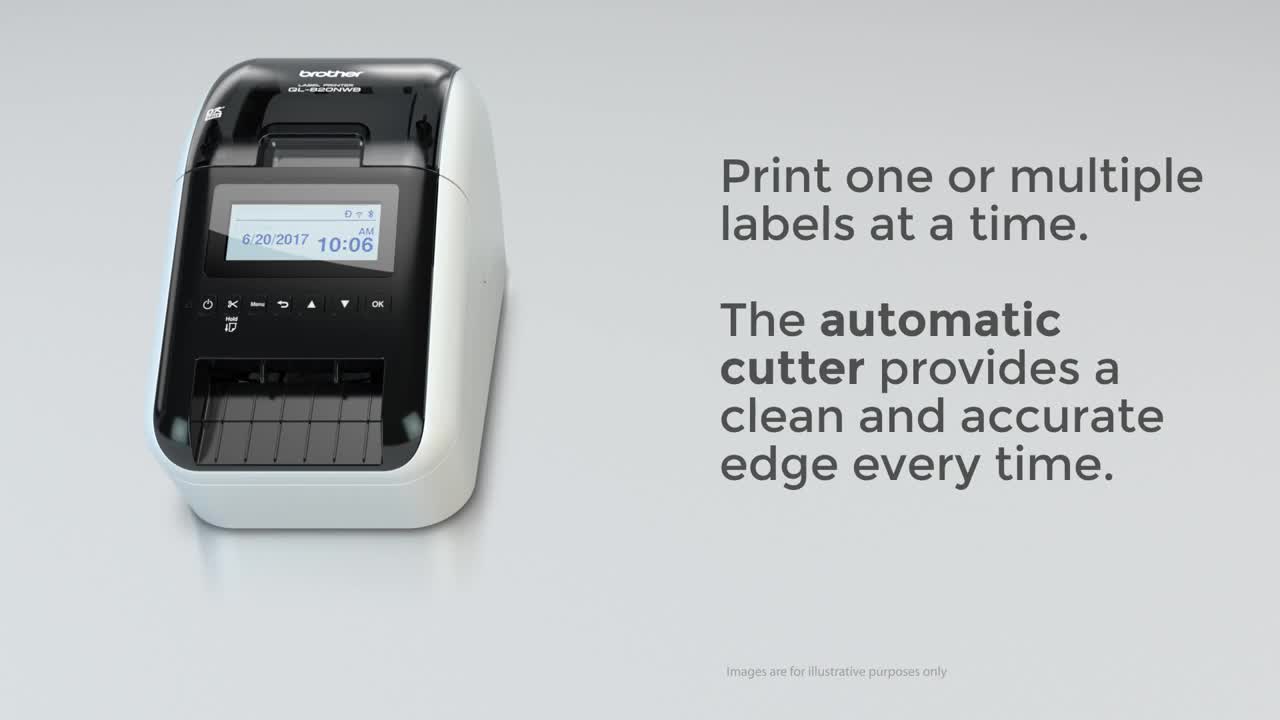
Brother QL-820NWB




As an Amazon Associate we earn from qualifying purchases. Product prices and availability are accurate as of the date/time indicated.
| QL-800 | QL-810W | QL-820NWB | |
|---|---|---|---|
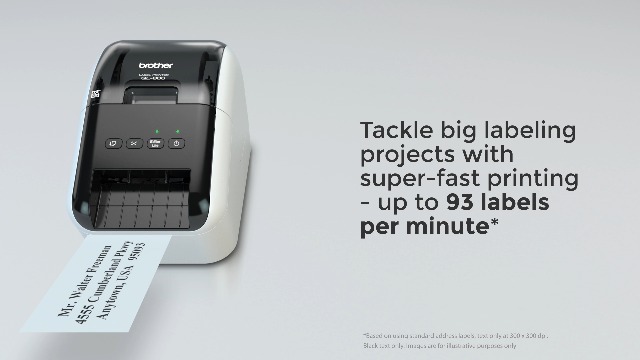
| Speed (standard address labels, text only, 300 x 300 dpi) | Up to 93 per minute | Up to 110 per minute | Up to 110 per minute |
| Printer technology | Direct Thermal | Direct Thermal | Direct Thermal |
| Interfaces | USB | Wireless 802.11 b/g/n, Wi-Fi Direct, Hi-Speed USB 2.0 | Ethernet, wireless b/g/n, Wi-Fi Direct, Bluetooth, USB host |
| Screen | Not listed | Not listed | Monochrome LCD |
| Mobile | Mobile Device Printing App: Yes | AirPrint and the Brother iPrint&Label app, on a wireless network | Mobile Device Printing App: Yes |
| Operating systems listed | Windows Vista to 10; Mac OS X 10.10.5 to 10.13.x | Windows Vista to 10, Server 2008; Mac OS X 10.10.5 to 10.13.x | Windows Vista to 10, Server 2003 and 2008; no Mac OS X listed |
| Warranty | 2 year limited | 2 year limited | 2 year limited |
Source: Brother USA product pages for the QL-800, QL-810W, and QL-820NWB, checked November 2026. The QL-810W has no card here because our product data holds no buyer rating for it. We research and compare; we do not run our own product trials.
Key Differences
Connection
The QL-800 page lists USB as its only interface. The QL-810W adds wireless, and the QL-820NWB adds Ethernet and Bluetooth plus a USB host interface. Brother’s QL-810W and QL-820NWB pages list Wi-Fi Direct among their interfaces; see label printer driver for install steps.
Speed
Brother lists 93 against 110 labels per minute, both for standard address labels, text only, at 300 x 300 dpi. 110 / 93 is about 1.18, so about 18 percent more labels per minute on that basis (our calculation). Real labels with graphics are not covered by that figure.
Software and operating systems
Brother’s QL-800 page marks Plug & Label as Windows only. The QL-810W page lists Plug & Label with no such footnote. The QL-820NWB page lists P-touch Editor 5.1 for Mac among its software, but its operating system list names Windows only, and its description says Windows and Mac compatible. Windows 11 is not named on any of the three pages. The QL-800 Amazon listing says Plug & Label works with Word, Excel, and Outlook and calls it Windows and Mac compatible; Brother’s footnote narrows Plug & Label to Windows.
Listing conflicts
The QL-810W listing title says USB and WiFi but its connectivity field reads USB; Brother’s page lists wireless. Use the maker page.
Choose the QL-800 if
- One computer sits next to the printer and USB is enough.
- You do not need wireless and want the simplest model.
Choose the QL-810W if
- You want to print from a wireless network or with AirPrint, and have no need for Ethernet.
Choose the QL-820NWB if
- You need a wired network connection, Bluetooth, or a screen for standalone use.
- Your computers are Windows; Brother’s operating system list for it names no Mac version, though its software list includes P-touch Editor 5.1 for Mac.
FAQ
Do the three use the same labels?
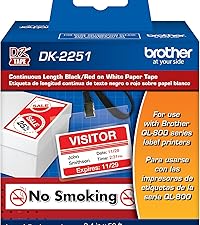
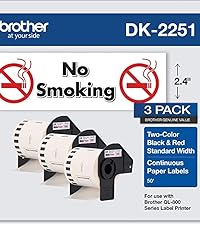
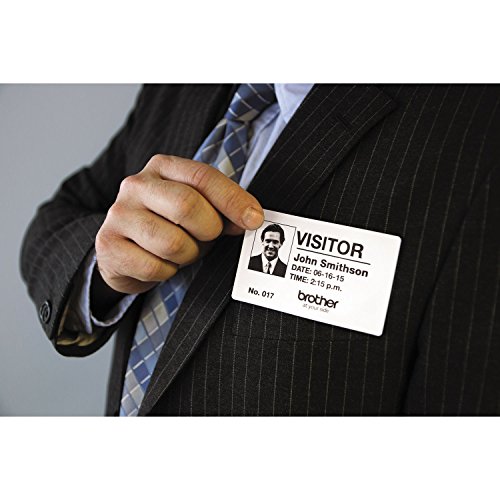
Brother lists die-cut and continuous tape for all three pages we read, and the starter rolls named in the listings are DK-1201 and DK-2251. Check the DK roll number before buying more; for roll sizes see label sizes.
Which one prints 4 x 6 shipping labels?
None of these three: the maximum width is 62 mm. See best shipping label printers and best label printers for wider models.
Changelog: November 2026: first published.









