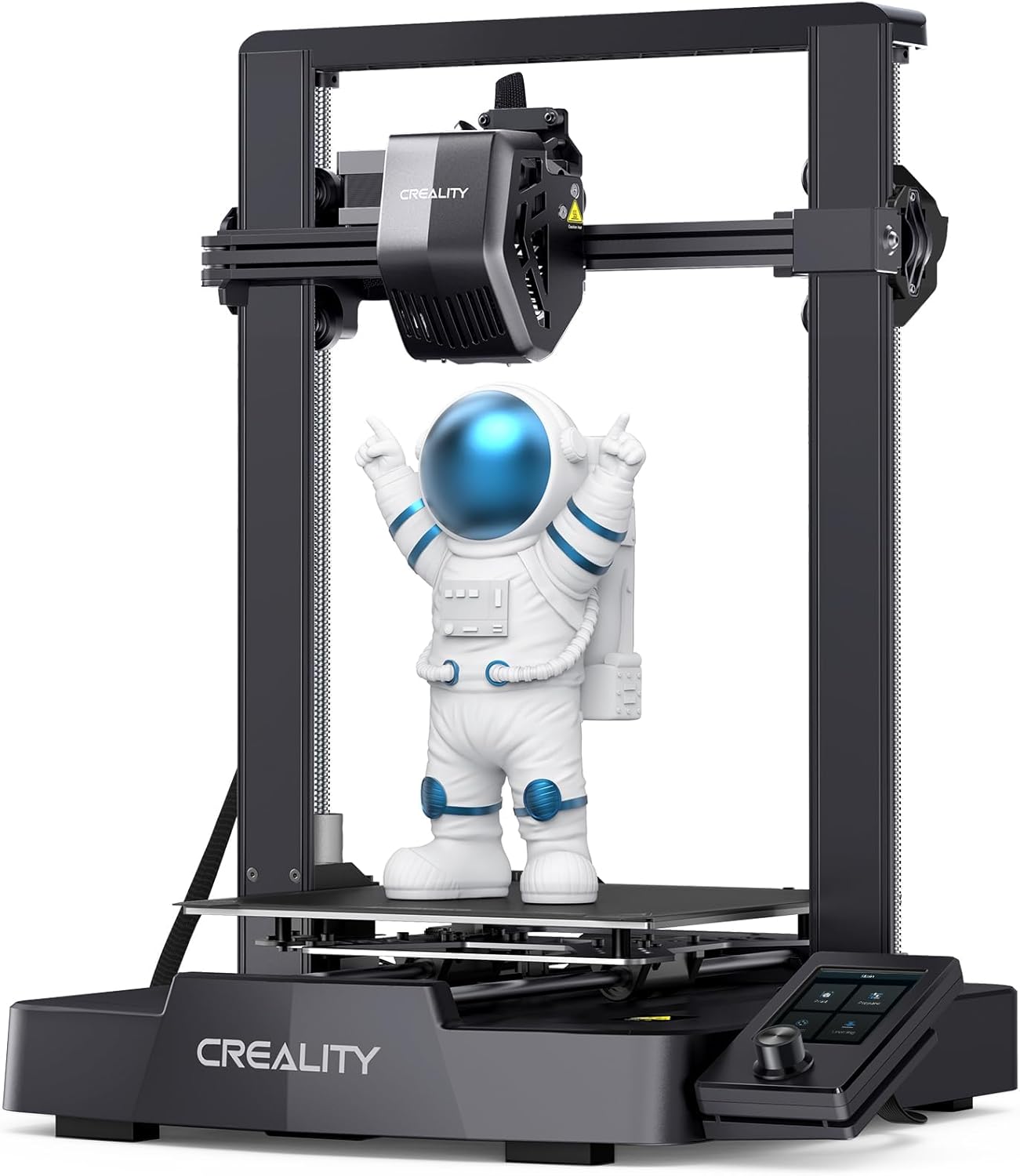
Budget here means the entry end of the FDM range, not a price cap: printers a maker or listing positions for beginners or as the simpler model. Our first pick is the Creality Ender 3 V3 SE, because Creality’s own page confirms auto leveling, lists replacement parts one by one, and offers up to 12 months of warranty. This guide quotes no prices; check the retailer’s current price.

Quick Comparison
| Printer | Leveling wording | Build volume | Max speed | Frame or chamber |
|---|---|---|---|---|
| Creality Ender 3 V3 SE | CR Touch and strain sensors (Creality) | 8.66 x 8.66 x 9.84 in (listing title) | 250 mm/s (Creality) | Not stated |
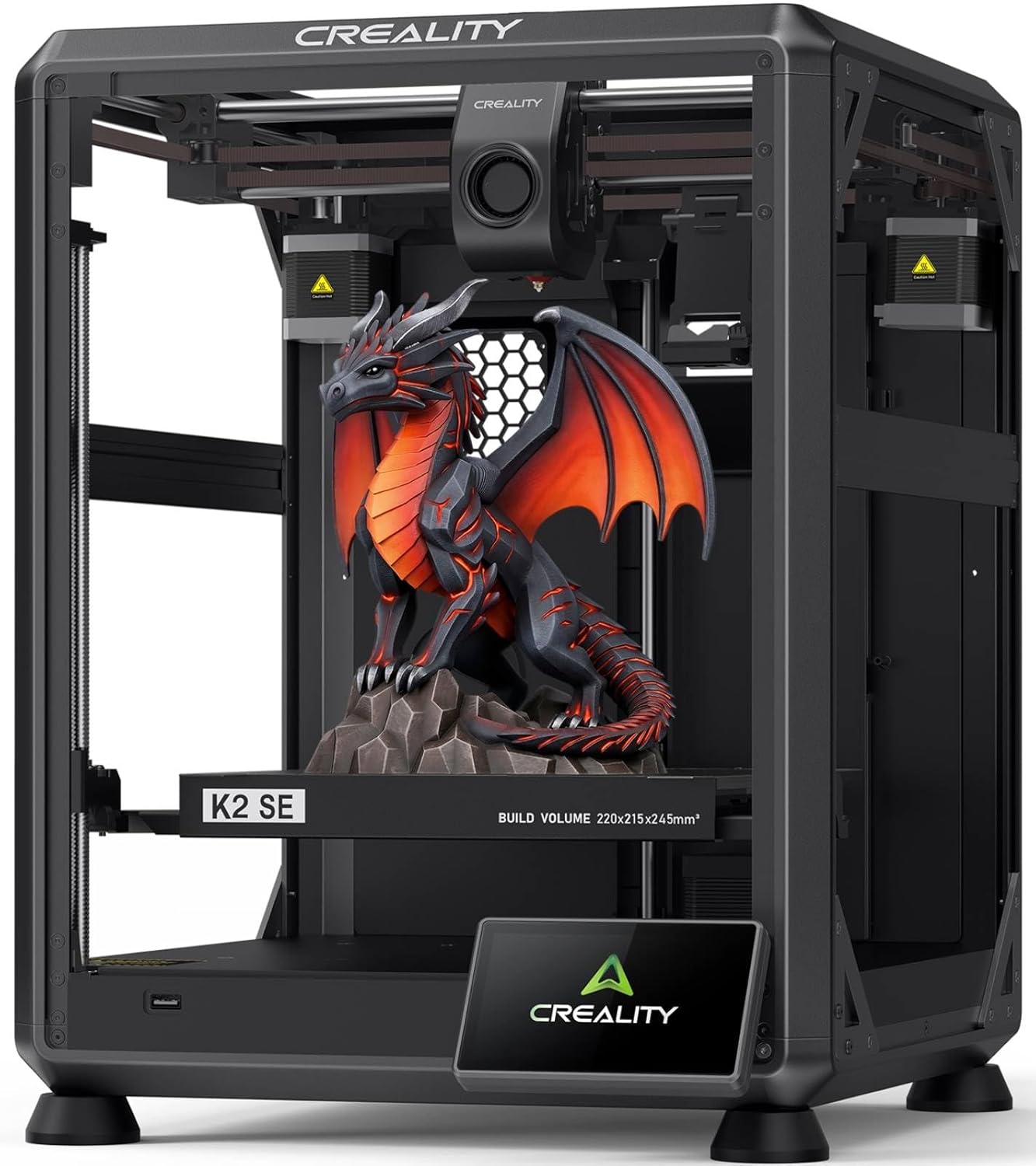
| Creality K2 SE | “Smart Auto Leveling” (Creality) | 220 x 215 x 245 mm (Creality) | 500 mm/s (Creality) | “Open-Frame” (Creality) |
| Bambu Lab A1 mini | Automatic calibration (listing); auto bed leveling (Bambu Lab Wiki) | 180 x 180 x 180 mm (Bambu Lab Wiki) | Not in sources read | Not stated |
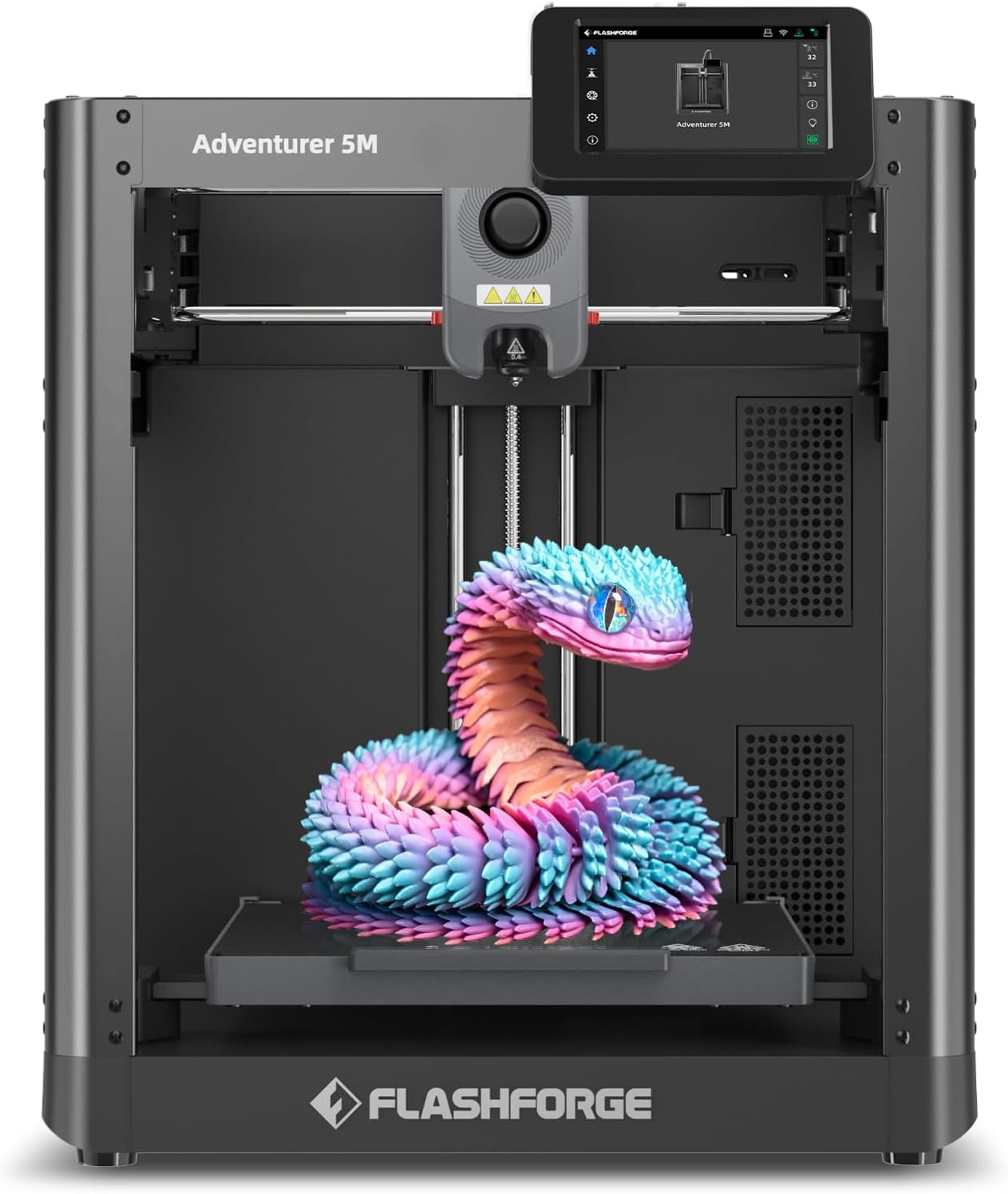
| FLASHFORGE Adventurer 5M | Auto-leveling (Flashforge page); “Fully Auto Leveling” (listing title) | 220 x 220 x 220 mm (Flashforge page) | 600 mm/s (Flashforge page) | Shell: Open (Flashforge page) |
Sources: Creality store pages, the Flashforge product page, Bambu Lab Wiki, and Amazon listings, checked November 2026. Speeds are maximums the source states. Creality recommends 300 mm/s for the K2 SE “for optimal quality.”
How We Chose
The job: the lowest-commitment way into FDM printing, for someone who will print PLA or PETG at a desk. We kept entry-segment printers from our catalog and compared leveling, build volume, materials, and what the maker sells to keep it running. Creality’s pages opened first, so those two lead our order; Bambu Lab’s wiki and Flashforge’s page opened later and fill in the other rows. These picks come from spec pages and listings, not from units we handled. The Desk & Bench Score on each card reflects verified buyer ratings only. See How We Choose.
Our Picks
Creality Ender 3 V3 SE
Creality’s page says “Sprite” direct extruder “works well with PLA, PETG, and flexible TPU,” with CR Touch and strain sensors for auto leveling and Z offset, dual Z-axis, and auto filament loading. The store sells a print head kit, an extrusion kit, a filament detector kit, and a smooth PEI plate separately. The listing claims three assembly steps and 20 minutes from unpacking to first print.
Best for: a first printer where parts are sold individually.
Avoid if: you want ABS: Creality’s page names PLA, PETG, and TPU, not ABS.
Creality K2 SE
The Combo page lists 220 x 215 x 245 mm, 500 mm/s, quick-swap nozzle, a run-out sensor per spool, and setup of touchscreen and spool holder plus on-screen auto-calibrations. Up to 16 colors needs CFS units: the Combo page includes one and sells more separately; the K2 SE listing says CFS is sold separately.
Best for: starting single-color and adding multi-color later with CFS units, per Creality’s page.
Avoid if: you want a closed chamber; Creality labels it open-frame.
Bambu Lab A1 mini
The listing says automatic calibration and simple setup, and points to the Bambu Handy app and MakerWorld model library. Bambu Lab’s wiki gives a 180 x 180 x 180 mm maximum print size and says there should be no need to level the heatbed manually. This SKU is bundled with an LED lamp kit. The listing gives 5.5 kg; no source we read states a speed.
Best for: a small unit in the entry segment; our reading, from the 180 mm print size.
Avoid if: you need more than 180 mm per side, the wiki’s stated print size.
FLASHFORGE Adventurer 5M
Flashforge’s page gives 220 x 220 x 220 mm, 600 mm/s, a 280 °C direct-drive extruder, nozzle sizes from 0.25 to 0.8 mm, a flexible PEI steel plate, and an open shell.
Best for: CoreXY motion in the entry segment, per Flashforge’s page, whose title reads “Best 3D Printer for Beginners.”
Avoid if: you want ABS: Flashforge’s page says ABS series filaments are not compatible with the AD5M.
What an Entry Printer Leaves Out
Creality names PLA, PETG, and TPU for the Ender 3 V3 SE. Prusa’s warping article, written for Prusa printers, says corners lift “mostly when printing with high-temperature materials such as PC Blend, ASA or ABS,” and “If you print with these materials most of the time, you should consider having the printer in an enclosure.” Our reading: open-frame printers fit PLA; Prusa says PLA or PETG in an enclosure “might not be a good idea,” while Bambu Lab’s wiki recommends an enclosed printer for PETG. Auto leveling also does not replace first layer height; see leveling a bed.
Ownership Costs
Filament cost per print = spool price / grams on the spool x grams the slicer reports (our arithmetic). Creality lists up to 12 months of warranty on both its printers, and Flashforge lists a 1-year limited warranty; we did not confirm Bambu Lab’s terms. For multi-color, Bambu Lab’s wiki says the A1 mini supports one AMS lite, for up to four colors; the K2 SE needs CFS units.
Compatibility
Creality’s K2 SE page names Creality Print 6.0 or newer as its slicing software, and the listing adds Creality OS. The A1 mini listing names Bambu Handy. Flashforge’s page names FlashPrint 5, Orca-Flashforge and Orca Slicer; the listing names Flash Studio. The Ender 3 V3 SE page names no slicer. The Ender and K2 SE use direct drive per Creality; see direct drive vs Bowden.
FAQ
What counts as budget here?
Entry-segment printers, not a price limit. We quote no prices because retailer prices change.
Can an entry printer run ABS?
Check the maker’s material list first. Creality names ABS and ASA for the K1C, not for the Ender 3 V3 SE. For enclosed models, see our FDM printers category.
Do the speed numbers matter?
They are ceilings each source states. Creality recommends 300 mm/s for the K2 SE “for optimal quality,” so read the table as maximums.
Changelog: November 2026: first published.